 |
Hi team,
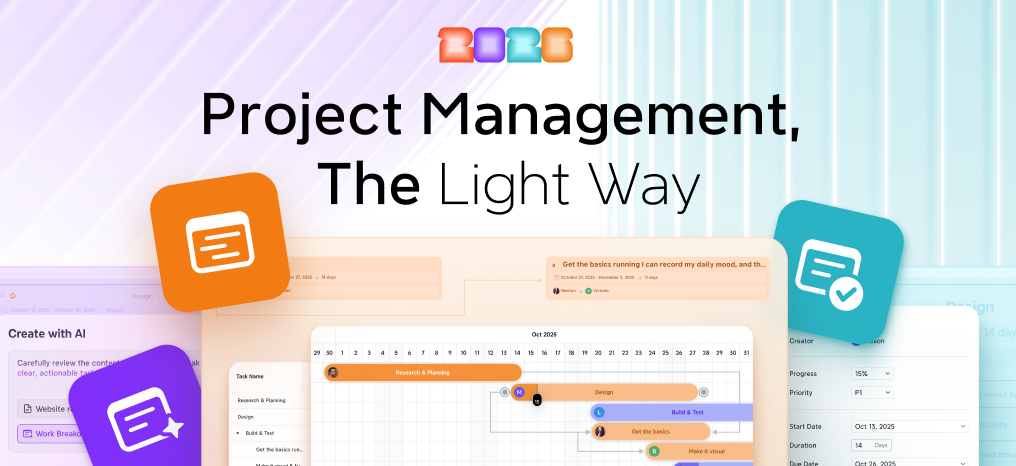
We’re excited to share what’s new in Xmind 2026. This release brings lightweight visual project management to your Xmind Business—plan in mind maps, manage tasks, and track timelines in Gantt without switching tools. |
| Explore Xmind 2026 |
|
|
|
|
|
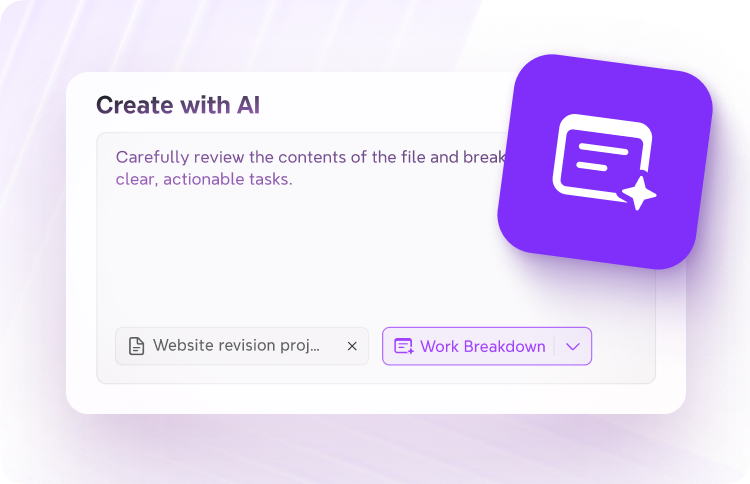
Jumpstart any project with AI |
Just upload your materials and ideas — AI Work Breakdown turns them into a structured plan with deadlines, priorities, and subtasks. |
|
|
|
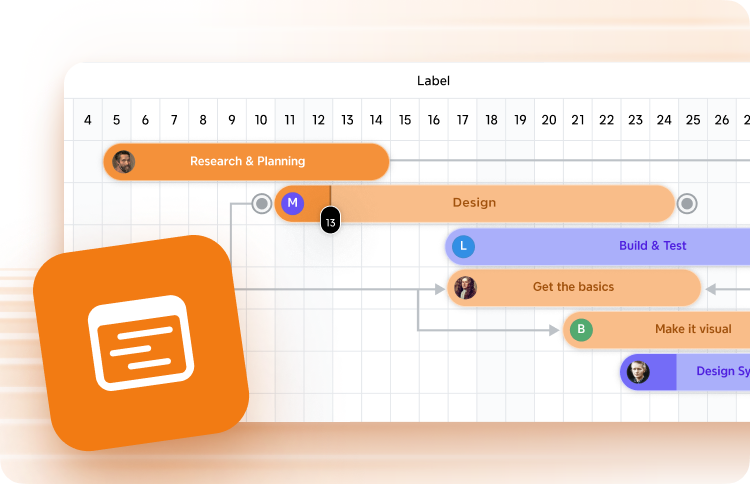
Stay on track with Gantt Chart |
Switch seamlessly between mind map and Gantt chart. Drag to adjust the timeline and mark progress, with all tasks synced across both views.
|
|
|
|
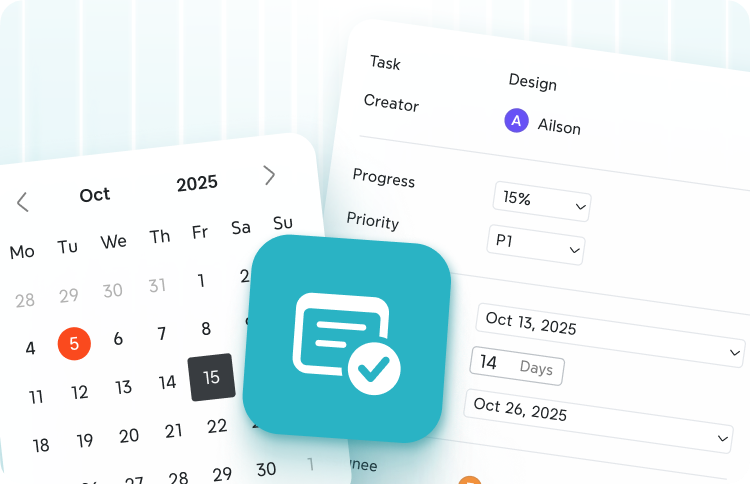
Turn ideas into actions with Task |
Add Tasks right where your ideas live, no tool switching. Define them with details, and export to your favorite tools to keep things moving
|
|
|
Real-time collaboration on the same mind maps keeps updates instantly synchronized across tasks and timelines—keeping everyone aligned and projects moving faster.
We hope you enjoy working with Xmind! |
|
Best regards, The Xmind Team |
|
|