


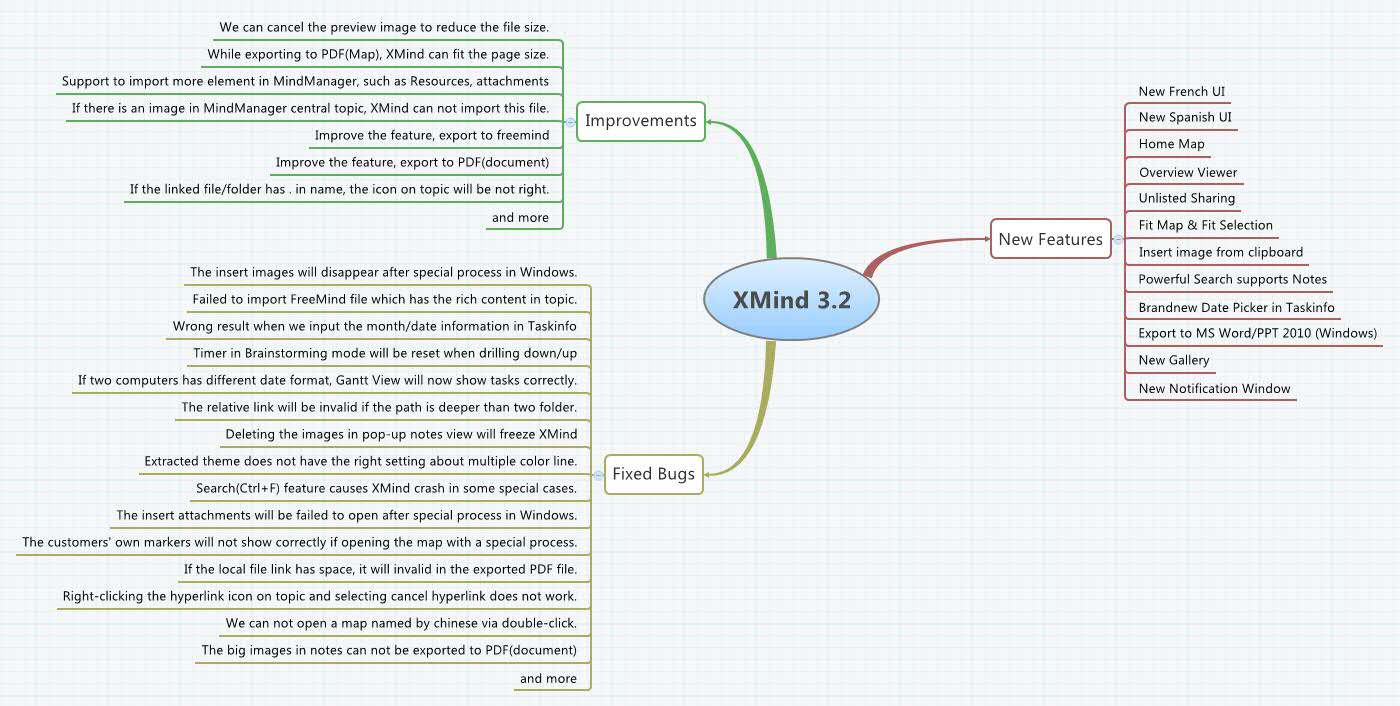

XMind 3.1
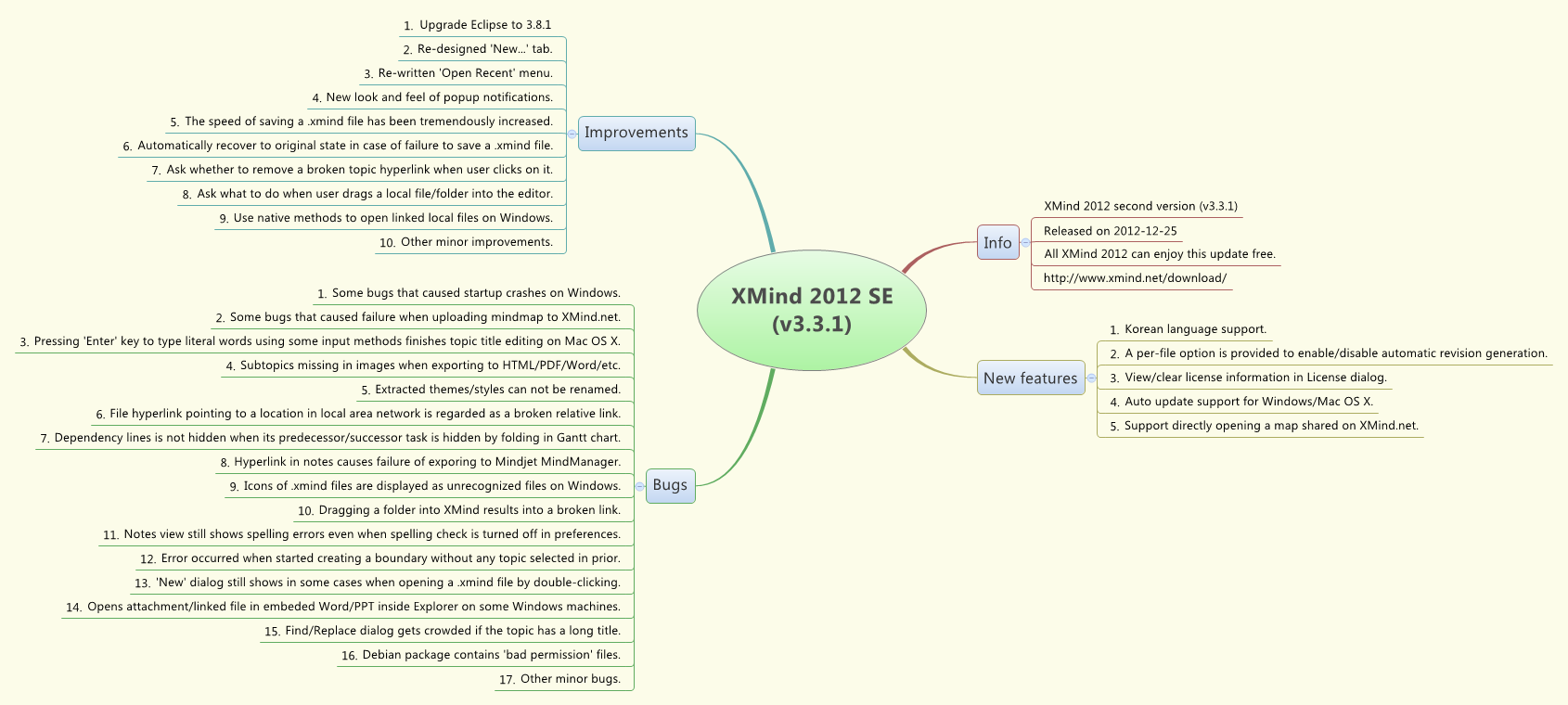
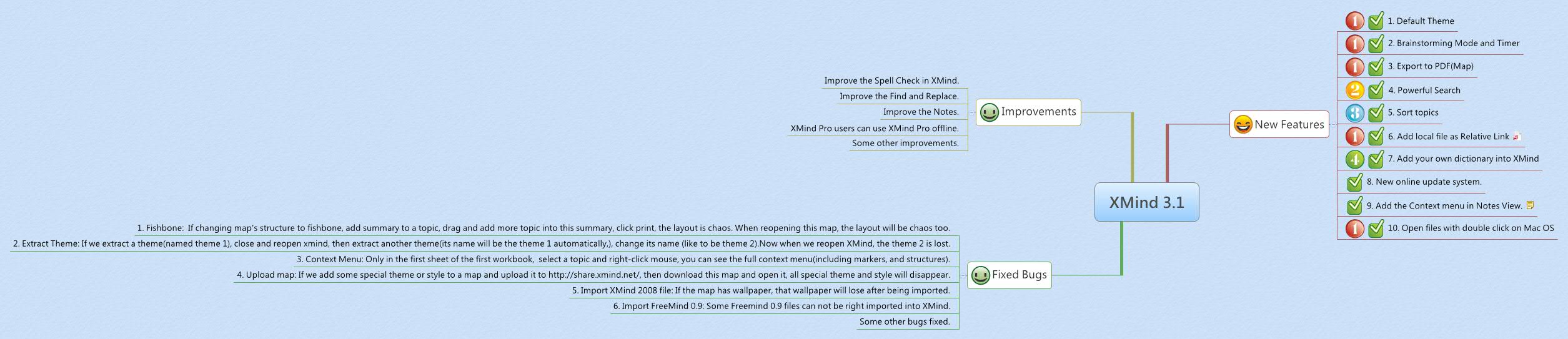
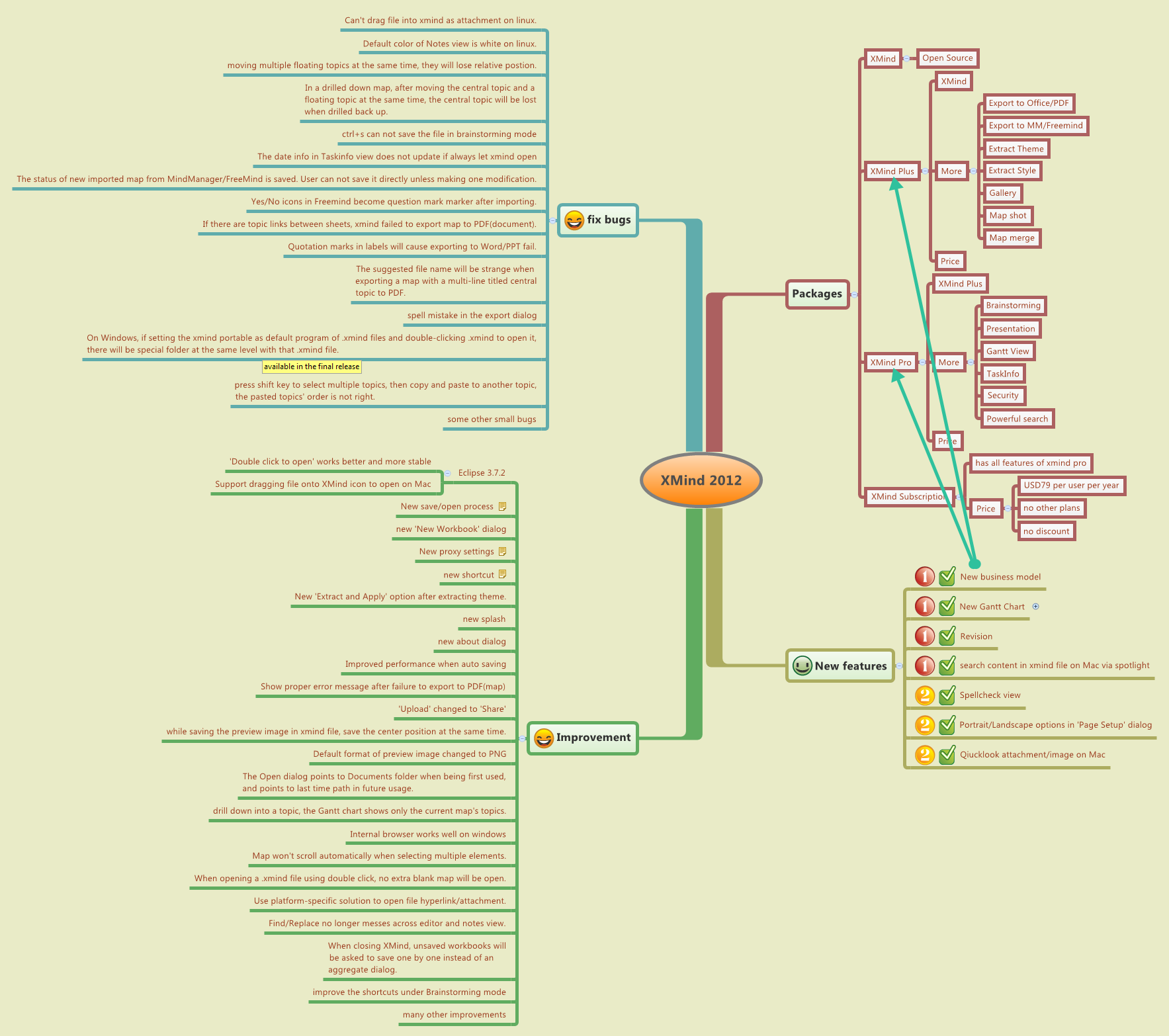
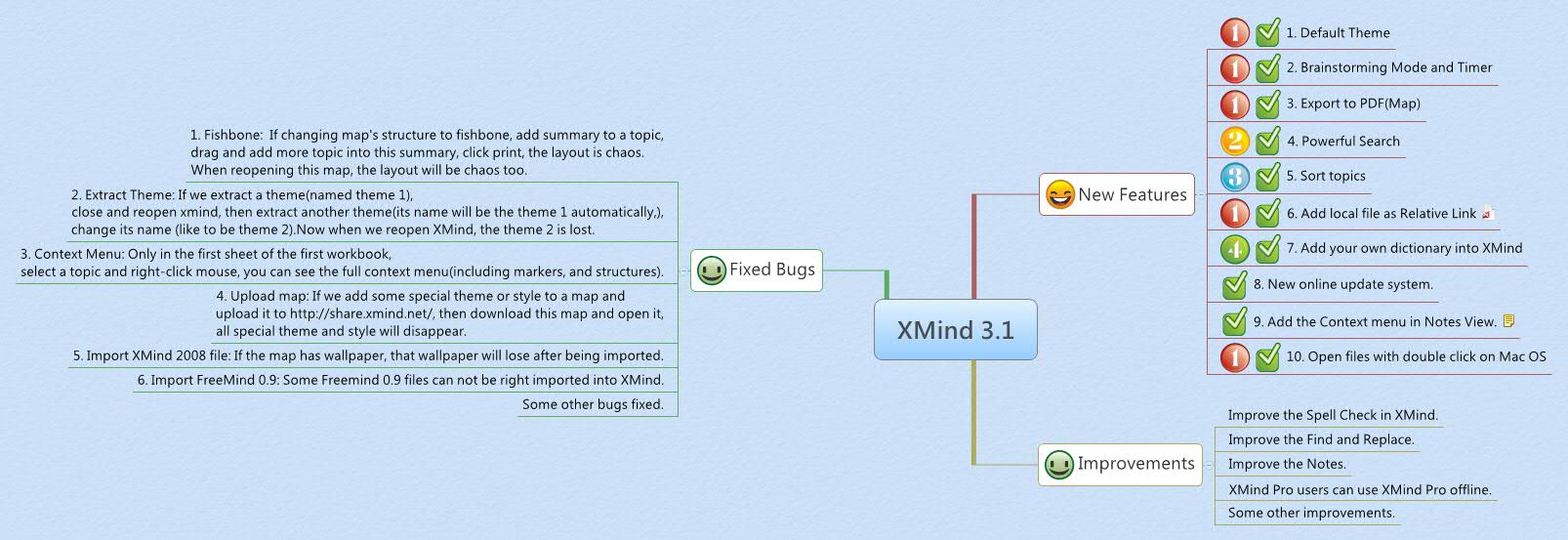
New Features
1. Default Theme
2. Brainstorming Mode and Timer
3. Export to PDF(Map)
4. Powerful Search
5. Sort topics
6. Add local file as Relative Link
7. Add your own dictionary into XMind
8. New online update system.
9. Add the Context menu in Notes View.
You can use context menu in Notes View now.
10. Open files with double click on Mac OS
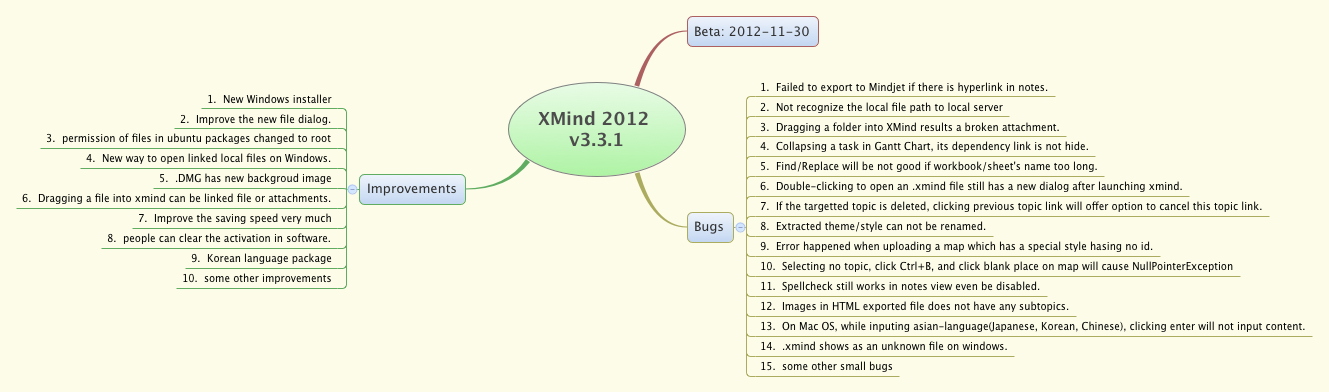
Improvements
Improve the Spell Check in XMind.
Improve the Find and Replace.
Improve the Notes.
XMind Pro users can use XMind Pro offline.
Some other improvements.
Fixed Bugs
1. Fishbone: If changing map's structure to fishbone, add summary to a topic, drag and add more topic into this summary, click print, the layout is chaos. When reopening this map, the layout will be chaos too.
2. Extract Theme: If we extract a theme(named theme 1), close and reopen xmind, then extract another theme(its name will be the theme 1 automatically,), change its name (like to be theme 2).Now when we reopen XMind, the theme 2 is lost.
3. Context Menu: Only in the first sheet of the first workbook, select a topic and right-click mouse, you can see the full context menu(including markers, and structures).
4. Upload map: If we add some special theme or style to a map and upload it to http://share.xmind.net/, then download this map and open it, all special theme and style will disappear.
5. Import XMind 2008 file: If the map has wallpaper, that wallpaper will lose after being imported.
6. Import FreeMind 0.9: Some Freemind 0.9 files can not be right imported into XMind.
Some other bugs fixed.
I love XMind very much .... but I REALLY wish that I could insert IMAGES!
XMind is a great software. But unfortunately there are still two features missing I'm used to with MindManager:
1) Cannot format the text per character, per words or per paragraph within a free text.
2) Cannot insert a connected note like in MindManager.
Thank you.
XMind 3.1
Added: 2009-11-24 06:08:42
From: (Joined 2008-11-10 06:49:52)
12357 views |1001 downloads
XMind 3.1