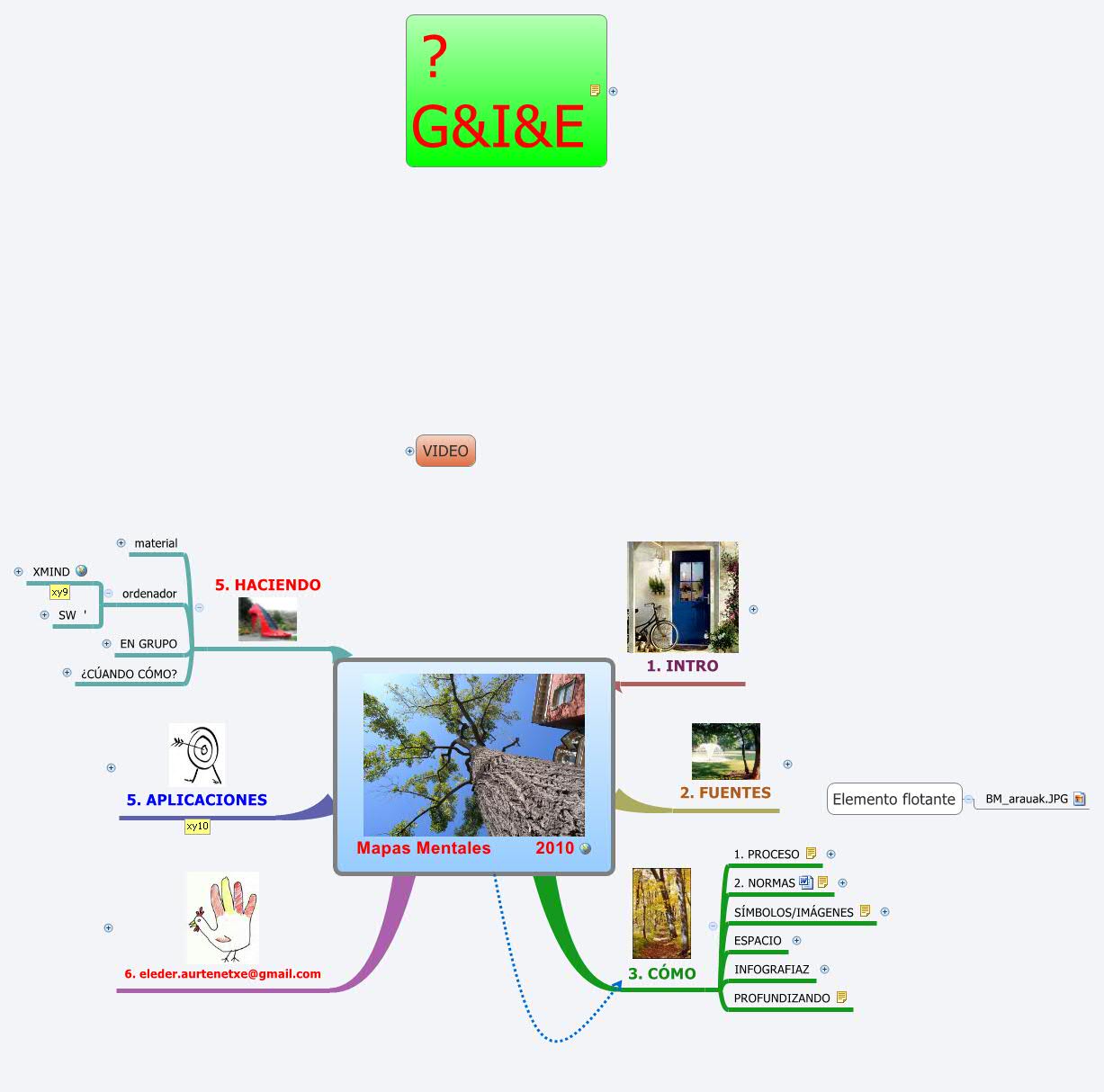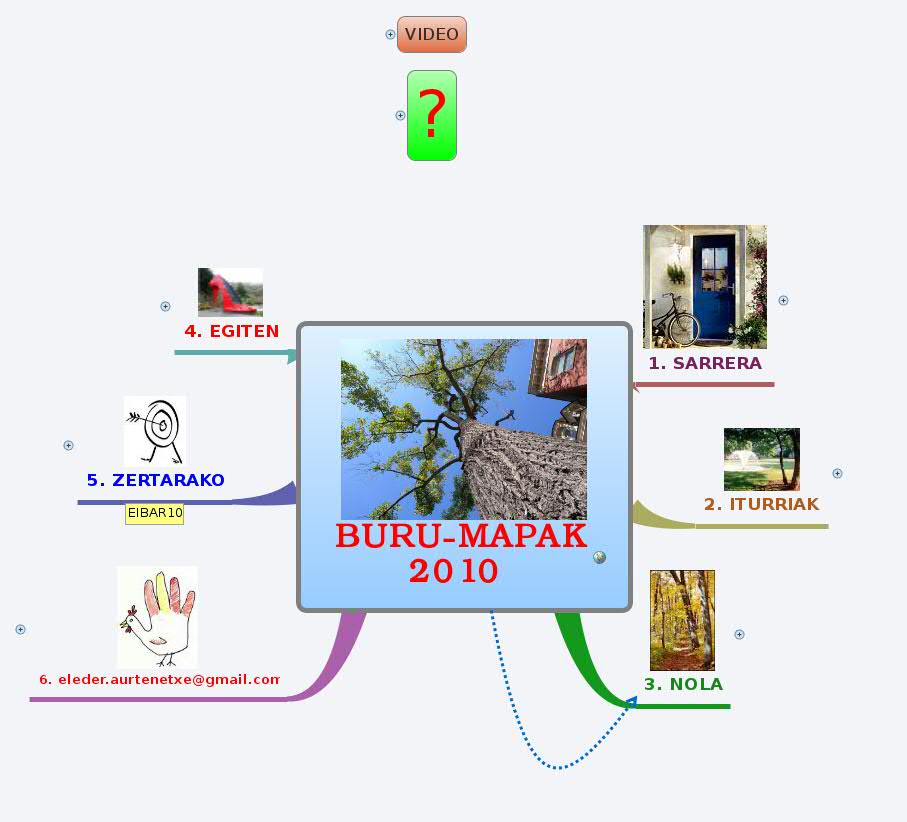
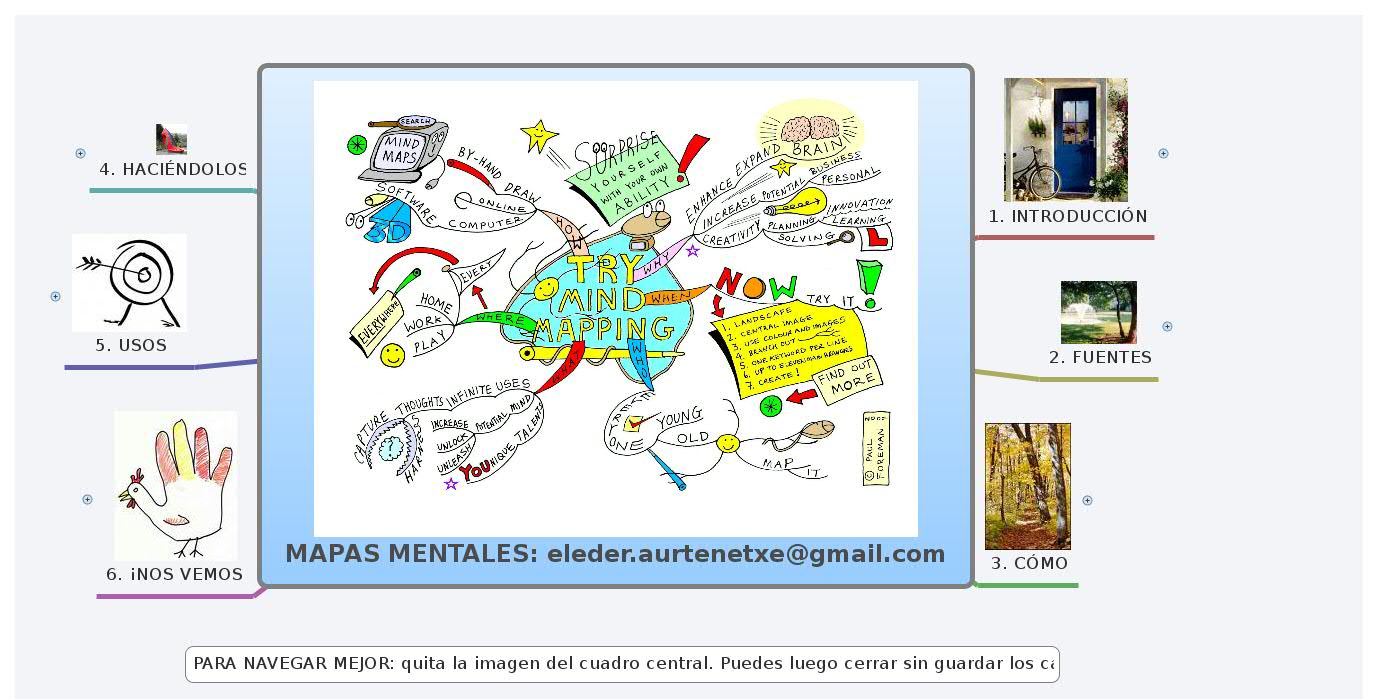
• MAPAS MENTALES: eleder.aurtenetxe@gmail.com

    1. 1. INTRODUCCIÓN

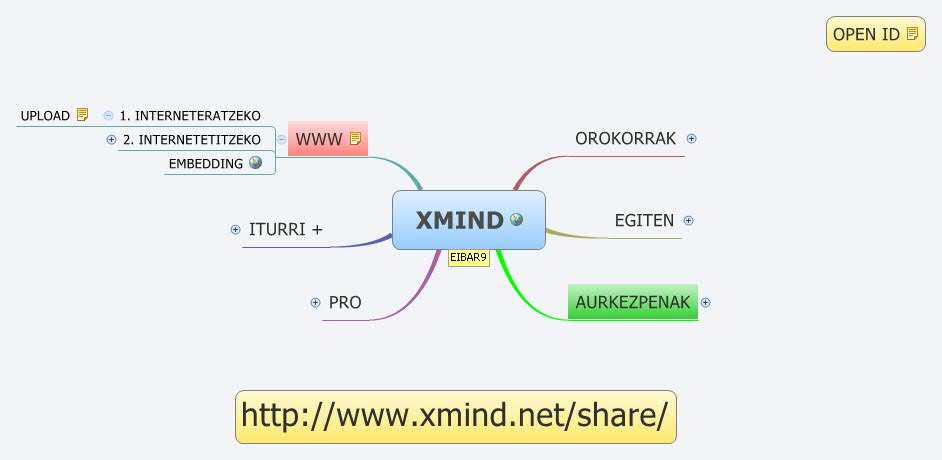
      1. XMind eskema

      2. testuingurua

        1. Buzan

          1. Tony

          2. Barry

      3. Natura

      4. Garuna

        1. Ahalmenak 3. orria

          1. 1. HIZKUNTZA

          2. 2. ZENBAKIAK

          3. 3. LOGIKA

            1. sekuentziak

            2. zerrendak

            3. linealtasuna

            4. analisia

            5. denbora

            6. asosiazioa

          4. 4. ERRITMOA

          5. 5. KOLOREA

          6. 6. IRUDITERIA

            1. egunez amets

            2. bisualizazioa

          7. 7. ESPAZIALTASUNA

            1. dimentsioa

            2. GESTAL (irudi OSOA)

      5. wikipediakoa

        1. ESP

          Mapa mental Un mapa mental es un diagrama usado para representar las palabras, ideas, tareas, u otros conceptos ligados y dispuestos radialmente alrededor de una palabra clave o de una idea central. Se utiliza para la generación, visualización, estructura, y clasificación taxonómica de las ideas, y como ayuda interna para el estudio, organización, solución de problemas, toma de decisiones y escritura. Es un diagrama de representación semántica de las conexiones entre las porciones de información. Presentando estas conexiones de una manera gráfica radial, no lineal, estimula un acercamiento reflexivo para cualquier tarea de organización de datos, eliminando el estímulo inicial de establecer un marco conceptual intrínseco apropiado o relevante al trabajo específico. Un mapa mental es similar a una red semántica o modelo cognoscitivo pero sin restricciones formales en las clases de enlaces usados. Los elementos se arreglan intuitivamente según la importancia de los conceptos y se organizan en las agrupaciones, las ramas, o las áreas. La formulación gráfica puede ayudar a la memoria. Diferencias respecto al Mapa conceptual [editar] El mapa mental es un diagrama que se construye de manera personal o grupal, sistematizada utilizando palabras clave, colores, lógica, ritmo visual, números e imágenes.El mapa mental reúne solo los puntos importantes de un tema e indica de forma sencilla la manera en que estos se relacionan entre sí. El mapa conceptual se centra en conceptos, se estructura de manera jerárquica, iniciando con el-los conceptos gruesos a los particulares, con conectores específicos (proposiciones). Un mapa mental no tiene una estructura o un orden preestablecido, puede constar de una palabra o imagen central o concepto, en torno a la palabra central se dibujan de 5 a 10 ideas principales que se refieren a aquella palabra. Entonces a partir de cada una de las palabras derivadas, se dibujan a su vez de 5 a 10 ideas principales que se refieren a cada una de esas palabras. Para muchas personas las dos técnicas pueden parecer similares, pero gran parte de su diferencia estriba en la capacidad visual del mapa mental y las conexiones que realiza. El mapa mental busca y exige imágenes para su construcción. Las imágenes y dibujos tienen varias funciones, algunas nemotécnicas, otra para reducir las palabras manteniendo un concepto o idea compleja y también para buscar nuevas conexiones. Se sabe que las imágenes conectan rápidamente con otras ideas afines, por lo que parte de la potencia del mapa mental está en su capacidad visual de generar nuevas conexiones y retener las ideas con el hemisferio visual del cerebro. También podemos agregar en pocas palabras que, un mapa mental es una forma de equilibrar las ideas con dibujos, números,...y muchísimas otras cosas.

        2. ENG

          1. * 1 Characteristics

          2. * 2 Dimensions for optimal use

          3. * 3 History

          4. * 4 Uses

            1. Problem Solving

            2. Outline / Framework Design

            3. Anonymous collaboration.

            4. Marriage of words and visuals.

            5. Individual expression of creativity.

            6. Condensing material into a concise and memorable format.

            7. Team building or synergy creating activity.

            8. Enhancing work morale.

          5. * 5 Effectiveness in learning

          6. * 6 Tools

          7. * 7 Trademarks

          8. * 8 See also

          9. * 9 References

          10. * 10 Further reading

          11. * 11 External links

      6. antzekoak

        1. * Argument map

        2. * Cognitive map

        3. * Concept map

        4. * List of mind mapping software

        5. * Semantic network

      7. adibideak

        1. MM

          1. TRY MINDMAPPING

            1. Topic

          2. Mait

            1. Topic

        2. MINDSCAPING

          1. Topic

        3. WIKI MINDMAP

        4. BMtegia

        5. ELE

          1. nola

          2. ekintzak

          3. BLOGEAN

            1. amarauna

            2. minfoutes

    2. 2. FUENTES

      1. 99

      2. BLOGS

        1. SW

          1. MM

          2. iMM

          3. Frey

        2. FOREMAN

      3. +++

      4. WIKI

        1. IT

          The purpose of WikIT is to provide a resource to help in taming the torrent of information that knowledge workers have to deal with now. All entries that contribute to achieving that purpose in a clear and factual way that follows the policies below are welcome. This is for individuals, small businesses and even large enterprises. Contents [hide] * 1 WikIT main areas o 1.1 Information maps o 1.2 All pages * 2 Editing WikIT o 2.1 Help * 3 The InformationTamers Forum * 4 Policies WikIT main areas Information maps WikIT on information mapping One of the problems with wikis is that they are very text oriented. If you can't find the right hyperlink or think of the right word or phrase to search for, the information you want might just as well not be there. WikIT uses mind maps as an added navigation layer. All the usual wiki access methods are here, but there are mind maps as well to give a visual overview. We have plans to enhance this further. If you are here for the first time, you might want to start at the information maps article and use the mind map there to see what this part of WikIT contains. Here are just a few of the main sections: * information map types * Information map uses * Personal uses of mind maps * Business uses of mind maps * Use of mind maps in formal education * How to make a mind map * How to make a concept map * Project planning with mind maps * Creativity through mind mapping * ... more at the Information mapping articles browse list All pages Here is a list of all pages to date. Titles in italics are redirected to another article (to give alternative ways of finding a topic). Entries at the bottom of that list begin with a ~ (tilde). These items are placeholders for now. If you can contribute to an entry and find WikIT's policies reasonable, please go ahead. As they say on Wikipedia, "Be Bold".

        2. pedia

      5. BUZAN-video

        1. 1. RULES

          1. WHAT'S

          2. HOW

            1. IMAGINATION

            2. ASSOCIATIONS

          3. RULES

            1. CURVED

              1. HAPPY

            2. 1 WORD

              1. FREE

              2. CREATIVITY

            3. = LENGTH

            4. COLOR

              1. REMEMBER

            5. IMAGES

              1. 1000 WORDS

          4. GENIUSES

            1. LEONARDO

            2. DARWIN

            3. BEETHOVEN

        2. 4. MAXIMIZE (SARRERA)

          1. + arauak

        3. 3. USING

          1. JATORRIA

            1. DESESPERAZIOA

          2. ABANTAILAK

          3. ERABILERAK

          4. SWISS ARMY KNIFE OF THE BRAIN

        4. 5. i MM

          1. 6. HOW 2

    3. 3. CÓMO

      1. ARAUAK

        Buru-mapak egiteko legeen asmoa zure buru-askatasuna handiagotzea da, ez murriztea. Testuinguru horretan garrantzitsua da ez nahastea: 1. ordena eta zurruntasuna; ez eta 2. askatasuna eta anabasa ere. Sarriegi hartzen dugu (1) ordena gauza negatibotzat, zurruna eta murriztailea bailitzan. Era berean nahastu egiten dira (2) askatasuna eta (2) anabasa edo egiturarik eza. Izan ere, benetako buru-askatasuna zera da: anabasatik ordena sortzea. Horrexetan lagunduko gaituzte buru-mapagintzarako legeek zehazki. Multzo bitan banatzen ditugu lege horiek: teknika-legeak eta diagramazio-legeak.

        1. LEGEAK

          1. TEKNIKA

            1. ENFASIA

              1.1.Erdiko irudi bat erabili beti 1.2.Erdiko irudirako 3 kolore edo gehiago erabili 1.3.Irudiak erabili buru-mapa osoan zehar 1.4.Irudietan eta hitzen inguruan dimentsio hirukoitza erabili 1.5.Sinestesia (zentzu fisikoen fusioa) erabili 1.6.Tamaina aldatu hizkietan, lerroetan eta irudietan 1.7.Espazioa ondo antolatu 1.8.Espaziatu egokia erabili

            2. ASOSIAZIOA

              2.1. Geziak erabili adarrezko egituran zehar loturak adierazteko 2.2. Koloreak erabili 2.3. Kodeak erabili

              1. koloreak

                1. heller

                2. sinbolismoa_Wiki

            3. ARGITASUNEZ

              3.1. Gako-hitz bakarra erabili lerro bakoitzean. 3.2. Inprenta-hizkitan idatzi hitz guztiak 3.3. Lerroen gainean idatzi gako-hitzak 3.4. Lerroak elkarri lotu eta adar nagusiak erdiko irudiari lotu 3.5. Lerro nagusiak lodiagoak izan behar dira eta itxura organikoa izan behar dute 3.6. Muga-lerro adierazkorrak erabili adarrak inguratuz 3.7. Ahalik eta irudirik argienak egin 3.8. Orri etzanean egin buru-mapak 3.9. Ahalik eta horizontalkien lerroak (<45º)

            4. ESTILOA

              4.ZEURE ESTILOA GARATU buru-mapagintzarako legeak betetzeari utzi barik

          2. DIAGRAMAZIOA

            1. HIERARKIA

            2. zki-ORDENA

        2. AHOLKUAK

          1.BURU-BLOKEOAK HAUTSI 1.1.Lerro hutsak gehitu 1.2.Galderak egin 1.3.Irudiak gehitu 1.4.Zure asosiazio-gaitasuna mugagabea da, hori ahaztu barik, gero! 2.BERRINDARTU 2.1. Berrikusi zure buru-mapak 2.2. Buru-maparen berraztertze arinak egin 3.PRESTATU 3.1. Zure buruko egoera prestatu 3.1.1. Buru-jarrera positiboa izan 3.1.2. Inguruko irudiak kopiatu 3.1.3. Izan konfiantza buru-mapan 3.1.4. Absurdoa baztertu gabe, gero! 3.1.5. Buru-mapa ahalik eta ederren egin 3.2. Zure materialak prestatu 3.3. Lan-ingurumena prestatu 3.3.1. Tenperatura egokia bulegoan 3.3.2. Argi naturala, ahal bada 3.3.3. Aire freskoa eta aireztatze egokia 3.3.4. Giro atsegina sortu 3.3.5. Musika egokia entzun, edo, isiltasuna, nahiago baduzu

          1. BLOKEOAK HAUTSI

            1. Lerro hutsak

            2. Galderak

            3. Irudiak

            4. ASOZIAMENA!

          2. BERRINDARTU

            1. Topic

          3. PRESTATU

            1. burua

            2. materialak

            3. ingurumena

      2. PROZESUA

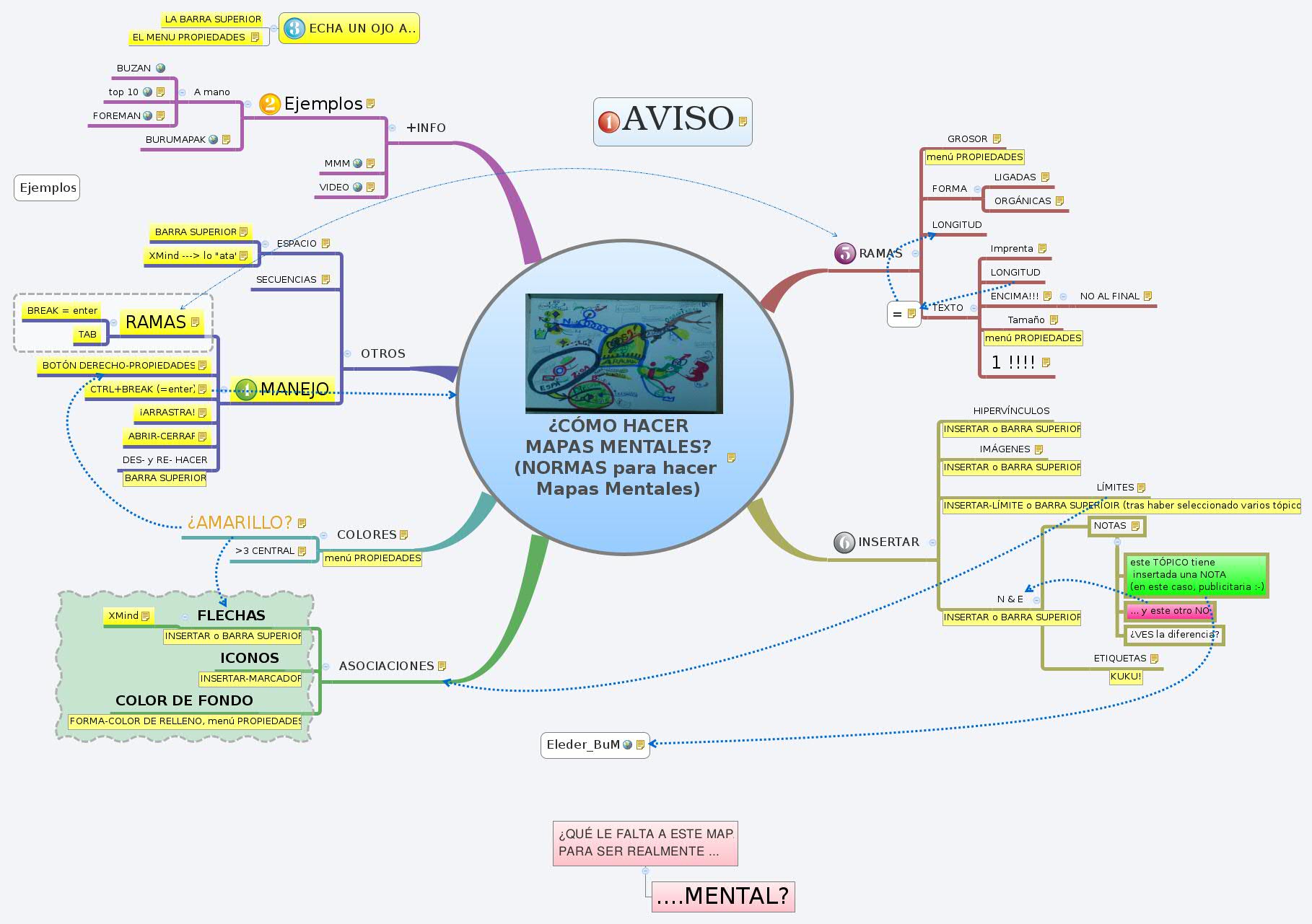
        BURU-MAPA BAT EGITEKO 7 URRATS 1.Etzandako orri zuri baten ERDIALDEAN hasi. Zergatik? Erdigunean hasiz gero, alde guztietarantza zabaltzeko askatasuna eta modu askeagoan eta berezkoagoan adierazteko modua ematen zaiolako garunari. 2. Erdiko ideia nagusia adierazteko IRUDI edo ARGAZKI bat erabili. -Zergatik? Askoz adierazkorragoa delako irudia. Irudimena (irudi eta ideia gehiago sortzeko gaitasuna) erabiltzen lagunduko dizulako. Irudia interesgarriagoa da garunarentzat. Zentratuta mantenduko zaitu, konzentratzen lagunduko dizu eta zure garunari itzarrik egoten lagunduko dio! 3. IRUDIAK erabili danean. Zergatik? Irudi bakoitzak, erdiko irudiak legez, irudimena pizten duelako. Irudia eta gako-hitza jar ditzakezu bata bestearen ondoan edo bata bestean txertatua, buru-mapa "irakurriko" dutenek hobeto ulertzeko beharrezkoa bada. 4. KOLOREAK erabili danean. Zergatik? Irudiak bezala, garunaren pizagarri direlako. Koloreak buru-mapari dardara eta bizia ematen dio, zure pentsamendu sormentsuari energia itzela ematen dio eta gozagarria da! 5. Adar nagusiak erdiko irudiari LOTU eta azpi-adarrak (eta hauen menpekoak,...) euren "guraso-adarrei" lotu. Zergatik? Zure garunak ASOSIAZIO bidez lan egiten duelako. Bi, hiru edo lau gauza elkarri lotuzale da. Adarrak elkarri lotuz gero askoz errazago ulertuko eta gogoratuko duzu. 6. Adar KURBOAK egin, zuzenak egin ordez. Zergatik? Garunarentzat dena lerro zuzena izatea aspergarria delako. Gehiago maite ditu Make your branches CURVED rather than straight-lined. Why? Because having nothing but straight lines naturan hain hedatuak dauden lerro kurbo organikoak. 7. LERRO BAKOITZEKO GAKO-HITZ BAT. Zergatik? Garunari askatasun eta malgutasun handiagoa ematen zaiolako.

        1. ENG

          7 Steps to Making a Mind Map 1.Start in the CENTRE of a blank page turned sideways. Why? Because starting in the centre gives your Brain freedom to spread out in all directions and to express itself more freely and naturally.  2.Use an IMAGE or PICTURE for your central idea. Why? Because an image is worth a thousand words and helps you use your Imagination. A central image is more interesting, keeps you focussed, helps you concentrate, and gives your Brain more of a buzz! 3.Use COLOURS throughout. Why? Because colours are as exciting to your Brain as are images. Colour adds extra vibrancy and life to your Mind Map, adds tremendous energy to your Creative Thinking, and is fun! 4.CONNECT your MAIN BRANCHES to the central image and connect your second- and third-level branches to the first and second levels, etc. Why? Because your Brain works by association. It likes to link two (or three, or four) things together. If you connect the branches, you will understand and remember a lot more easily. 5.Make your branches CURVED rather than straight-lined. Why? Because having nothing but straight lines is boring to your Brain. 6.Use ONE KEY WORD PER LINE. Why Because single key words give your Mind Map more power and flexibility. 7.Use IMAGES throughout. Why Because each image, like the central image, is also worth a thousand words. So if you have only 10 images in your Mind Map, it's already the equal of 10,000 words of notes!

        2. eskuliburua

          1. Topic

          2. 0 €!

      3. SAKONDUZ

        The 8 best ways to improve your mind maps – CHUCK FREY Mind mapping software is one of those software tools that can be used to create clear, concise visual maps that communicate information and knowledge with great clarity. But all too often, they aren’t as effective as they should be. Here are eight top ways to supercharge the effectiveness of your software-produced mind maps: 1. Use a master map. A master map is a map of all of your mind maps. In other words, it’s a single mind map that enables you to organize and quickly access all of the visual diagrams you have created with your mind mapping software. It enables you to organize your knowledge and projects in a way that makes the most sense to you – in other words, a visual representation of your work. This personalized, organic repository of links to your mind maps (and other files) can provide you with a quantum leap in productivity. 2. Stick to one map, one purpose. A mind map should be focused on a single topic or purpose – which should be clearly defined before you begin mapping. For best results, stay focused on the map subject and let its content speak to the issue. Avoid irrelevancy. If the information in your map becomes too complex or starts to “branch out” into several widely divergent areas, consider breaking that map into several sub-maps. 3. Use icons in your maps. They add visual context to your map topics, and actually give your maps database-like qualities. In other words, you can utilize them to filter your map's content - to zero in on the tasks it contains, or only the follow-ups assigned to a particular person on your staff, for example. 4. Optimize the content of your maps. If you’re planning to utilize your mind maps to communicate information to others, you must review them with a critical eye. Do they communicate clearly and unambiguously? If I was someone seeing your map for the first time, would I be able to make sense of the hierarchy of topics and sub-topics? Would the wording and placement of each topic and sub-topic make sense to me? Neatness is also important. Like it or not, people make judgments based on the visual appeal of what you’re trying to communicate to them. Here are some tips for optimizing the visual appearance of your maps: Are all of the topics and sub-topics where they should be within your map? Or are there items that seem out be obviously of place? Don’t be afraid to move topics around to see if they would make better sense in a different area of your map – sort a visual “what if” process that enables you to reassess that information in a different context. This process of “refactoring” is explained in greater detail in my e-book, and is an excellent way to increase the value and completeness of your maps. Collapse your map until only the first-level topics are visible, and then look critically at your map’s central theme and first-level topics. Ideally, your map should be self-explanatory at this first level. Consider the order in which your primary topics appear. Do they follow each other in a logical sequence? If not, rearrange them until they are in a more explicit sequence that will make sense to others who may be seeing your map for the first time. Don’t leave stray topics scattered around your map. Make sure that all of the primary and secondary topics are arranged neatly. 5. Avoid clutter and unnecessary detail in your maps.  Often, users of mind mapping software develop maps that are so cluttered that they get “stuck” and aren’t sure how to fix them. As a general rule, you should develop your ideas in topics using brief key words. Ideally, your topics should be summarizing statements, like brief, persuasive headlines. If you want to add details, they should be placed in topic notes – so you can easily “drill down” to view them if you need to, but most of the time they are “hidden” to minimize visual clutter. 6. Consistency is critical. Be consistent in your use of color, shapes, line styles and other visual elements of your map. Each of these can help to convey additional meaning or context, if used consistently and systematically. If they are used haphazardly, on the other hand, they may confuse you and other people with whom you share your maps. 7. Leverage the power of images. To get the biggest benefit out of your maps, be sure to include relevant images in them. This technique will enhance their creative impact by appealing to both sides of your brain. Remember: a picture is worth a thousand words! 8. Consider creating a personal dashboard map. A personal dashboard is a mind map whose function is to consolidate information from multiple places. Its purpose is to show you a streamlined view of information from many places in a single map. Ideally, it should help you to connect the dots between previously disparate pieces of information, leading to better decision making. It should contain the information that is most important to you, including: Life roles and goals (work, personal, spiritual, etc.) Major projects and tasks Links to your key files and software applications One powerful, ready-made set of dashboard maps is Kyle McFarlin’s Visual Strategist Solution, a set of free templates that is designed to be a complete personal and professional framework for your visual mapping activities. It not only incorporates best practices for visual mapping, it also includes a framework to house your maps and any supporting files and folders on your PC. In closing, remember that mind maps are much more than a tool for creatively and visually capturing your ideas. They're business tools that can be used to drive strategy, manage projects and produce superior results. For more productivity-enhancing tips like these, consider investing in my e-book, Power Tips & Strategies for Mind Mapping Software - Second Edition. Comments Thank you for the incredible source of mind mapping resources and information you've become for me, Chuck. Your blog and newsletters are always appreciated. This post is a perfect example of what I value. I'd encountered most of the information before but it's helpful to find it presented so succinctly. Best wishes for the year ahead. Posted by: Kip Williams | December 19, 2007 at 04:07 PM Clear, concise and straightforward way to explain the main points to get a perfect mindmapping structure. Awesome. Thanks for the post. Posted by: Alberto Martinez | January 04, 2008 at 02:21 PM

    4. 4. HACIÉNDOLOS

      1. eskuz

        1. materiala

          1. errotulkiak

            1. 10

            2. 10

          2. margoak

            1. ondoa

          3. etzanda

      2. ordenagailuz

        1. WIKIPEDIA

          1. FREE

          2. PROPIETARY

        2. MM

        3. Mind Manager

          1. 1. Tutoriala.MMP

            1. Mind Manager bidez ireki!!!

        4. XM

          1. HASTEKO

            1. 1. DESKARGATU

            2. 2. SIGN UP (suskribitu)

              1. ZERTARAKO

              2. PROZESUA

                1. 1. SARTU HEMEN

                2. 2. BETE

                  1. 1. XMind ID

                    Hor nahi dugun izena jarriko dugu

                  2. 2. Email

                    Gure E-maila. Horra bidaliko digute alta egin nahi dugula berresteko mezua.

                  3. 3. Password

                    Hor jartzen duguna izango da gure "pasa-hitza" XMind-eko kontua zabaltzeko.

                  4. 4. Confirm

                    Hor lehen sartutako pasa-hitza sartu behar dugu berriz ere.

                  5. 5.enter the TEXT,...

                    Azpiko lauki horretan sartu behar dugu goian agertzen den testua.

                  6. 6. * I AGREEwith XMind.net's Terms of Service & Privacy Policy

                    Ezkerreko laukitxoan klikatu behar dugu (baldintzak irakurriz zein ez)

                3. 3. SIGN UP

                  Eskuin behaldeko "SIGN UP" testuan kliktatu

                4. 4. POSTONTZIRA

                  1. mezua

                    Honen antzeko mezu bat jasoko dugu lehen jarritako e-mail helbidean: "Dear Gentzane, Thanks for signing up for XMind. Click http://www.xmind.net/account/gentzane/confirm/42d8f957-9564-4763-ad9b-d9fcacb3f7f0 to confirm your email address. Or use the key: 42d8f957-9564-4763-ad9b-d9fcacb3f7f0 to confirm in your profile page. If the above link does not work, you can paste the url into your browser XMind Share is a great community for sharing mind map on the web. And it is REALLY USEFUL - you can upload, view, share and download mind maps on virtually any topic under the sun. -- XMind Ltd

                  2. klikatu

                    1. edo helbide horretan sartu

                5. 5. BAIEZTAPENA

                  1. Validation Succeed

                    Mezu hori agertzen denean, http://share.xmind.net/ helbidean sartu eta bertako edozein buru-mapa gure ordenagailura bajatzeko moduan gaude.

            3. 3. DEMOS

              1. 1. Gehitu + Birkokatu

              2. 6. IMAGES

              3. 7. Aurkezpenak

          2. EGITEN

            1. TESTUA

              1. ADARRETAN

              2. INS-FLOATING TOPIC

              3. IDAZKIETAN

                INSERT-NOTES

              4. MUGITU

            2. IRUDIAK

            3. INS-RELATIONSHIP

            4. ESTEKAK

              1. internet

              2. agiria

              3. karpeta

            5. FORMATOA

              1. PROPERTIES

                1. hizkiak

                2. adarrak

                3. fondoa

              2. INSERT

                1. BOUNDARY

                2. SUMMARY

          3. AURKEZPENAK

            1. ZOOM (behe-eskuinaldean)

            2. DRILL

            3. MODIFY

              1. Extend

              2. Collapse

            4. FIND + REPLACE

          4. INTERNETEKIKOAK

            1. 1. INTERNETETITZEKO

              1. GO TO XMind Share

                1. MY ACCOUNT

                  1. Goian

                    1. eskumaldean

              2. DOWNLOAD

                Aukeratutako buru-maparen azpialdean "DOWNLOAD" klikatuz gero, gure ordenagailuan gorde dezakegu eta bertan nahi dugun moduan berregin,...

            2. 2. INTERNERATZEKO

              1. www.xmind.net

              2. UPLOAD

            3. 3. KONPARTITZEKO

              1. GO TO XMind Share

              2. SHARE

                Aukeratutako buru-maparen azpialdean "SHARE" klikatuz gero, nahi dugunari bidaliko diogu buru-mapa hori e-mailez. Berak ere XMind izan beharko du instalatuta buru-mapa hori "bajatu" eta berrerabili ahal izateko.

          5. HELP

            1. XMind Help

          6. FREY

            The developers of XMIND recently released version 3.0.3 of the increasingly popular mind mapping program, which offers a number of new and improved features, including: 1. Crash recovery: XMIND version  3.0.3 will save a back up file every a few minutes while you are editing a map. If your operating system or XMIND closes unexpectedly, this back up file will be opened again the next time you launch XMind. This backup file is be deleted if you close XMIND normally. 2. Topic text alignment: In previous versions of XMIND, all topics had text that was centered. In this new version, topic text can be right aligned, centered or left aligned. For certain types of maps, this may be advantageous.  3. Export to FreeMind map format: Version 3.0.3 adds export to the popular FreeMind open source mind mapping format. XMIND now supports an impressive array of export formats, including image file, HTML web page, MindManager, PDF, RTF, Microsoft Word (Windows only) and PowerPoint (Windows only) and plain text. 4. Enhanced map zooming: You can now zoom the map view with CTRL + the mouse scroll wheel in Windows, and Command + mouse scroll wheel in Mac OS X. I like this functionality, because it’s much faster than trying to click on a zoom button within the program’s work space. 5. Find and replace: You can now search for and replace text in topic labels, relationships, boundaries, map summaries and topic notes. 6. Auto hyperlink: If you are typing a web page address in topic notes, XMIND v3.0.3 will automatically convert it to a hyperlink. Apparently this wasn’t supported in previous versions. 7. Spell checker in topic notes: XMIND v3.0.03 now checks your spelling as you’re typing. If you add a lot of notes to your mind maps, this feature is be essential. I’m surprised that it wasn’t offered before.  In addition, the developers of XMIND improved its memory usage and made other bug fixes to the program.

        5. PROGRAMAK

          1. IMM

          2. MM

            1. Michael

              "Buzan Online has done what we in the Mind Mapping community previously thought was impossible - they have combined the tremendous thinking benefits of hand drawn mind maps with the processing, storage and manipulation power of a sophisticated software tool. Previously Mind Mappers defined themselves as either "by hand" or "with software" - now there need only be one definition - by iMindMap"

      3. TALDEKA

        TALDE-GARUNA SORTZEA 1.GAIA ZEHAZTEA a.GAIA ARGI ETA ZEHAZKI DEF b.HELBURUAK FINKATUTA c.TALDEKIDEEK ERABAKIAK HARTZEKO BEHARREZKO INFORMAZIOA ESKU ARTEAN 2.BANAKAKO IDEIA-ERAUNTSIA a.BAKARKA i.ZIRRIBORROA ii.B-M BERREGIN b.>= 1. O GUTXIENEZ ORDUBETE c.OHIKO IDEIA-ERAUNTSIA BAINO EGOKIAGO d.ASOSIAZIO EZ-LINEALERAKO AHALMENA EZESTEN DU HORREK (PUBLIKOKI BOTATAKO HITZ/IDEIA BAKOITZAK KIDEAK NORANTZA BERDINEAN ERAMANGO DITUZTEN KORRONTEAK SORTZEN DITU) ETA ITZELEZKO EKARPENEZ ANTZU GERATZEN GARA 3.TALDE TXIKIETAN MINTZATZEA ETA AZTERTZEA a.3-5 KIDE b.IDEIA-TRUKEA ETA NORK BERE MAPARA EKARRI c.1 O. (ORDUBETE) d.JARRERA GUZTIZ POSITIBOA. INOREN IDEIAK ONARTZEN/BERRESTENSORTZAILEA BERE ASOSIAZIO-KATEA ESPLORATZEN JARRAITZERA BULTZATZEN DUGU e.Ideia hutsala eman zezakeen batek barrura sakon begiratzea izan dezake hurrengo 4.1. BURU ANITZEKO MAPA (MBA: MAPA BURU-ANITZA) SORTZEA a.PANTAILA EDO PAPER ERRALDOIA b.NORK EGINGO? AUKERAK i.TALDETXOKO GUZTIEN ARTEAN ii.TALDETXO BAKOITZEKO MAPA-GILE ON BATEK iii.TALDE OSORAKO PERTSONA BAKARRAK c.ZER i.KOLORE- ETA ITXURA- KODEAK ADOSTU BEHAR DIRA, PENTSAMENDUA ARGIA ETA ONDO FOKATUA IZAN DADIN ii.ORDENATZEKO OINARRIZKO IDEIAK AUKERATZEN DIRA 1.BESTE IDEIA GUZTIAK SARTZEN DIRA ERE BAI iii.ONARPEN OSOKO JARRERA 5.IDEIA BERATZEKO FASEA (INCUBATION) 6.2. BURU-MAPA SORTZEA ETA BERRIKUSTEA a.2 + 3+ +4 FASEAK BERIZ ERE i.BANAKAKO IDEIA-ERAUNTSIKO MAPAK ii.BANAKAKO B-M BERREGIN iii.IDEIA-TRUKEA iv.TALDE TXIKITAN MAPAK GARATU v.BURU ANITZEKO MAPA vi.BURU ANITZEKO MAPA BIEN ALDERAKETA 7.AZTERTZEA ETA ERABAKIAK HARTZEA a.ERABAKIAK b.HELBURUAK JARRI c.PLANAK EGIN d.ZUZENKETAK

      4. NOLA?

        1. ESKUZ

          1. SORTZEKO

          2. PENTSATZEKO

          3. BISUALIZAZIOA

          4. GOZATUZ!

        2. ORDENAGAILUZ

          1. ASKO

            1. PROZESATU

            2. GORDE

            3. MANIPULATU

              1. bir-ANTOLATU

              2. BILAKETA

    5. 5. USOS

      1. IDEIAK

        1. Sortu

        2. Antolatu

          1. infromazioa

          2. ENPRESAN

      2. IKASTEKO

        1. hizkuntzak

          1. Buzan

      3. MINTZA / IDATZI

        Transforming a mind map to a speech, article etc. Many people, when first shown mind maps, assume that they cannot be used for any linear purpose, such as giving a talk or writing an article. Nothing could be further from the truth. If you refer to the mind map of this chapter on page 100, you will find how such a transformation took place: Once the map has been completed, the required information is readily available. All that is necessary is to decide the final order in which to present the information. A good mind map will offer a number of possibilities. When the choice is being made, each area of the map can be encircled with a different colour, and numbered in the correct order. Putting this into written or verbal form is simply a matter of outlining the major areas to be covered, and then going through them point by point, following the logic of the branched connections. In this way the problem of redrafting and redrafting yet again is eliminated - all the gathering and organising will have been completed at the map stage. Using these techniques at Oxford University, students were able to complete essays in one third of the previous time while receiving higher marks.

        1. abantailak

        2. aukerak

        3. IPUIN KONTAKETA

      4. BILERAK

        Communications and meetings Meetings, notably those for planning or problem solving, often degenerate into situations where each person listens to the others only in order to make his own point as soon as the previous speaker has finished. In such meetings many excellent points are passed over or forgotten, and much time is wasted. A further aggravation is that points which are finally accepted are not necessarily the best, but are those made by the most vociferous or most important speakers. These problems can be eliminated if the person who organises the meeting uses a mind map structure. On a board at the front of the room the central theme of the discussion, together with a couple of the sub themes, should be presented in basic map form. The members of the meeting will have preknowledge of what it is about, and will hopefully have come prepared. As each member finishes the point he is making, he can be asked to summarise it in key form, and to indicate where on the overall mind map he thinks his point should be entered. The following are the advantages of this approach: 1 The contribution of each person is registered and recorded properly. 2 No information is lost. 3 The importance given to ideas will pertain more to what was said than to who said it. 4 Digressions and long wafflings will be eliminated because people will be talking more to the point. 5 After the meeting each individual will have a mapped record and will therefore not have lost most of what is said by the following morning. One further advantage of mind maps, especially in note taking and communications, is that the individual is kept continually and actively involved in the complete structure of what is going on, rather than being concerned solely with 'getting down' the last point made. This more complete involvement will lead to a much greater critical and analytical facility, a much greater integration, a much greater ability to recall and a much greater overall understanding.

        1. plangintzarakoak

        2. arazoak askatzekoak

      5. ONURAK

        1. MICHAEL TIPPER

          What would it mean to your organization if your people were: * More focused and operated with greater levels of concentration * More efficient and effective in dealing with the vast amounts of information that swamps us all literally hour by hour * Better equipped to learn and update their professional knowledge and expertise to keep pace with the changes in your industry * More creative and able to generate innovative and practical ideas to solve the problems that people in your organization face * There are a variety of different techniques and strategies that will help you and your colleagues reap all of these rewards. There are a variety of different techniques and strategies that will help you and your colleagues reap all of these rewards. Mind Mapping Has Been Called �The Swiss Army Knife for the Brain� However, one strategy stands head and shoulders above the rest as being the most complete and wide ranging thinking process ever developed and it is called Mind Mapping. Developed by British psychologist Tony Buzan, this thinking process draws on ground breaking brain research to create a system that accesses more of the brain�s capabilities and harnesses more of its previously hidden potential. More than just a colourful collection of keywords and pictures, Mind Mapping is a sophisticated thinking process that encourages the user to reach higher levels of: * Analysis * Categorisation * Organisation * Summarisation * And the understanding of relationships and interdependencies So just by applying this tool, the brain HAS to think far more effectively at levels previously harder to attain with the conventional linear strategies most people have relied upon until now. To Use Mind Mapping You HAVE to Think Far More Effectively�You Have No Choice As a result of the simple shift to using the Mind Mapping tool, users benefit from: * higher levels of focus and concentration, * greater understanding, * improved retention and recall, * increased creativity * and a greater capacity for dealing with large volumes of information. In short, today�s professional has to be able to out-think the competition and Mind Mapping is a significant contribution to gaining that upper hand.

          1. USERS

            What would it mean to your organization if your people were: * More focused and operated with greater levels of concentration * More efficient and effective in dealing with the vast amounts of information that swamps us all literally hour by hour * Better equipped to learn and update their professional knowledge and expertise to keep pace with the changes in your industry * More creative and able to generate innovative and practical ideas to solve the problems that people in your organization face * There are a variety of different techniques and strategies that will help you and your colleagues reap all of these rewards. There are a variety of different techniques and strategies that will help you and your colleagues reap all of these rewards. Mind Mapping Has Been Called �The Swiss Army Knife for the Brain� However, one strategy stands head and shoulders above the rest as being the most complete and wide ranging thinking process ever developed and it is called Mind Mapping. Developed by British psychologist Tony Buzan, this thinking process draws on ground breaking brain research to create a system that accesses more of the brain�s capabilities and harnesses more of its previously hidden potential. More than just a colourful collection of keywords and pictures, Mind Mapping is a sophisticated thinking process that encourages the user to reach higher levels of: * Analysis * Categorisation * Organisation * Summarisation * And the understanding of relationships and interdependencies So just by applying this tool, the brain HAS to think far more effectively at levels previously harder to attain with the conventional linear strategies most people have relied upon until now. To Use Mind Mapping You HAVE to Think Far More Effectively�You Have No Choice As a result of the simple shift to using the Mind Mapping tool, users benefit from: * higher levels of focus and concentration, * greater understanding, * improved retention and recall, * increased creativity * and a greater capacity for dealing with large volumes of information. In short, today�s professional has to be able to out-think the competition and Mind Mapping is a significant contribution to gaining that upper hand.

            1. * Analysis

            2. * Categorisation

            3. * Organisation

            4. * Summarisation

            5. * And the understanding of relationships and interdependencies

            6. * higher levels of focus and concentration,

            7. * greater understanding,

            8. * improved retention and recall,

            9. * increased creativity

            10. * and a greater capacity for dealing with large volumes of information.

          2. ORGANIZATION

            1. * More focused and operated with greater levels of concentration

            2. * More efficient and effective in dealing with the vast amounts of information that swamps us all literally hour by hour

            3. * Better equipped to learn and update their professional knowledge and expertise to keep pace with the changes in your industry

            4. * More creative and able to generate innovative and practical ideas to solve the problems that people in your organization face

            5. * There are a variety of different techniques and strategies that will help you and your colleagues reap all of these rewards.

    6. 6. ¡NOS VEMOS!

      1. BLOGA

      2. ZALANTZAK

        1. eleder.aurtenetxe@gmail.com

      3. EBAL

    1. PARA NAVEGAR MEJOR: quita la imagen del cuadro central. Puedes luego cerrar sin guardar los cambios

  • All Comments ( 0 )

    MAPAS MENTALES: eleder.aurtenetxe@gmail.com

    Added: 2009-09-16 09:02:48

    From: gentza (Joined 2009-04-01 04:47:20)

    2555 views |232 downloads

    MAPAS MENTALES: eleder.aurtenetxe@gmail.com

    More From: gentza

    Mapas Mentales         2010
    Mapas Mentales 2010
    2010-11-26 10:29:15|81 views
    Mapas Mentales
    Mapas Mentales
    2010-11-11 16:31:23|99 views
     BURU-MAPAK
        2010
    BURU-MAPAK 2010
    2010-04-28 15:31:55|150 views
    XMIND
    XMIND
    2010-04-24 08:59:30|28 views
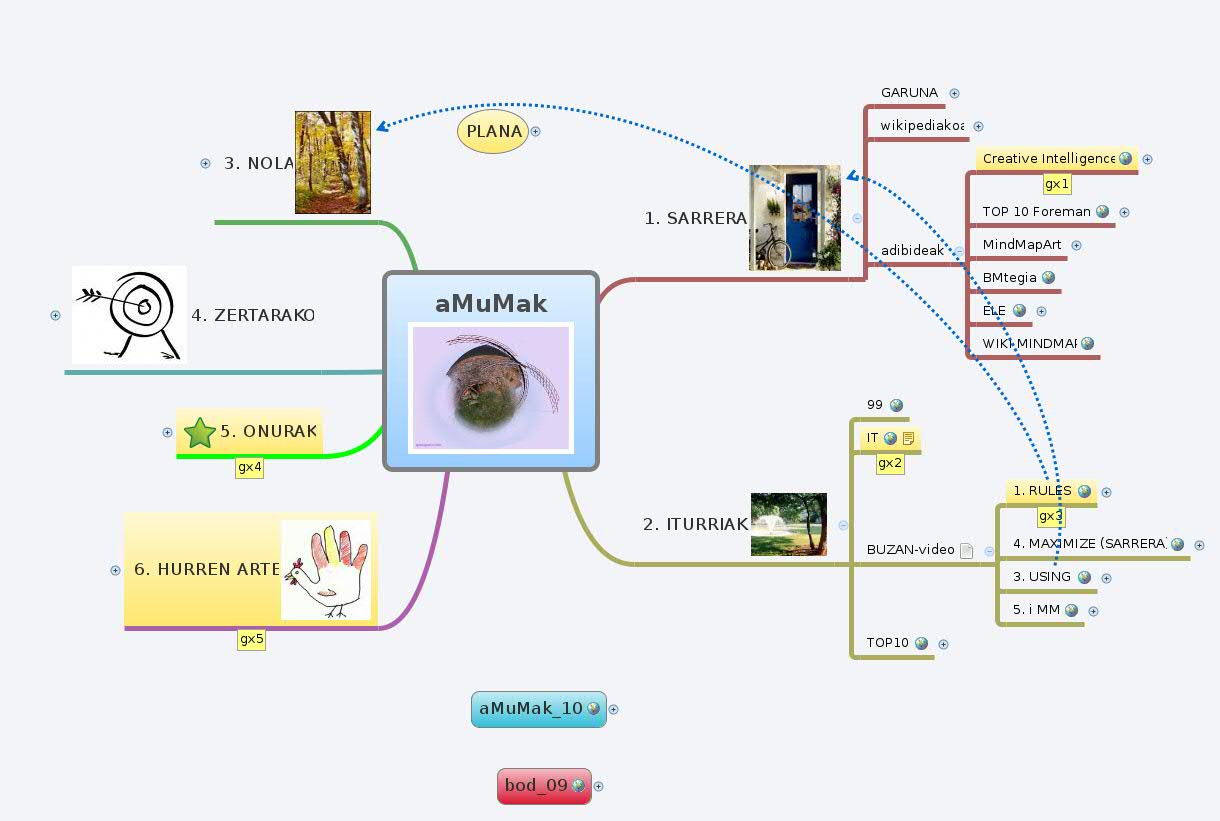
    aMuMak
    aMuMak
    2010-02-20 14:03:58|82 views
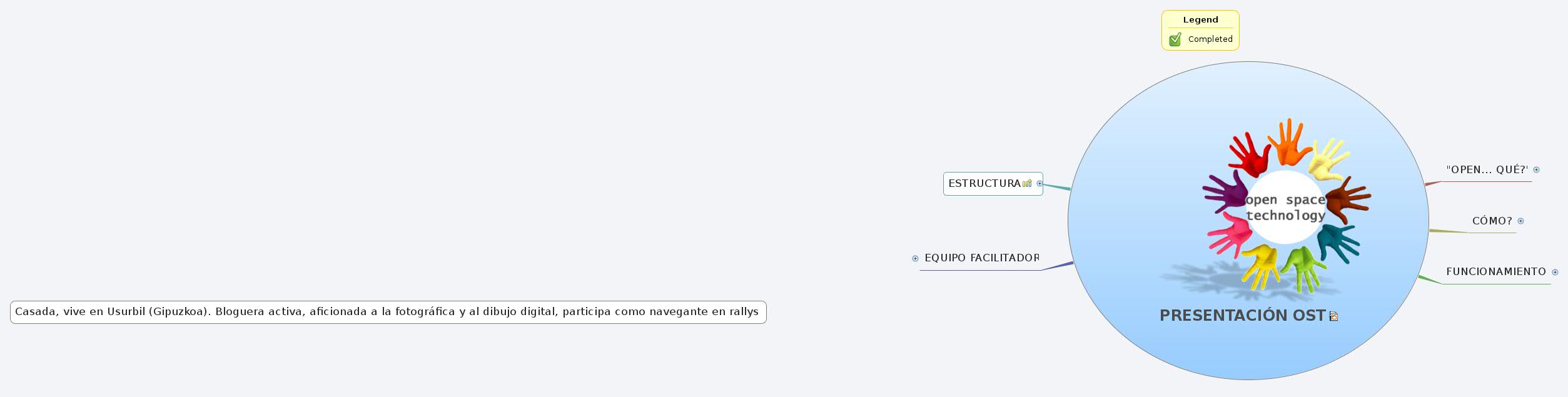
    PRESENTACIÓN OST
    PRESENTACIÓN OST
    2010-02-18 19:08:15|817 views
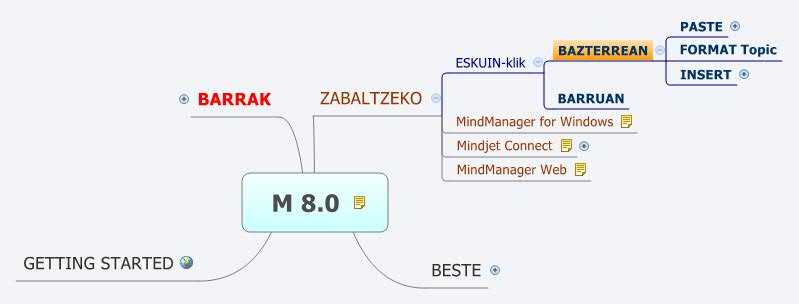
    M 8.0
    M 8.0
    2009-11-17 17:06:28|226 views
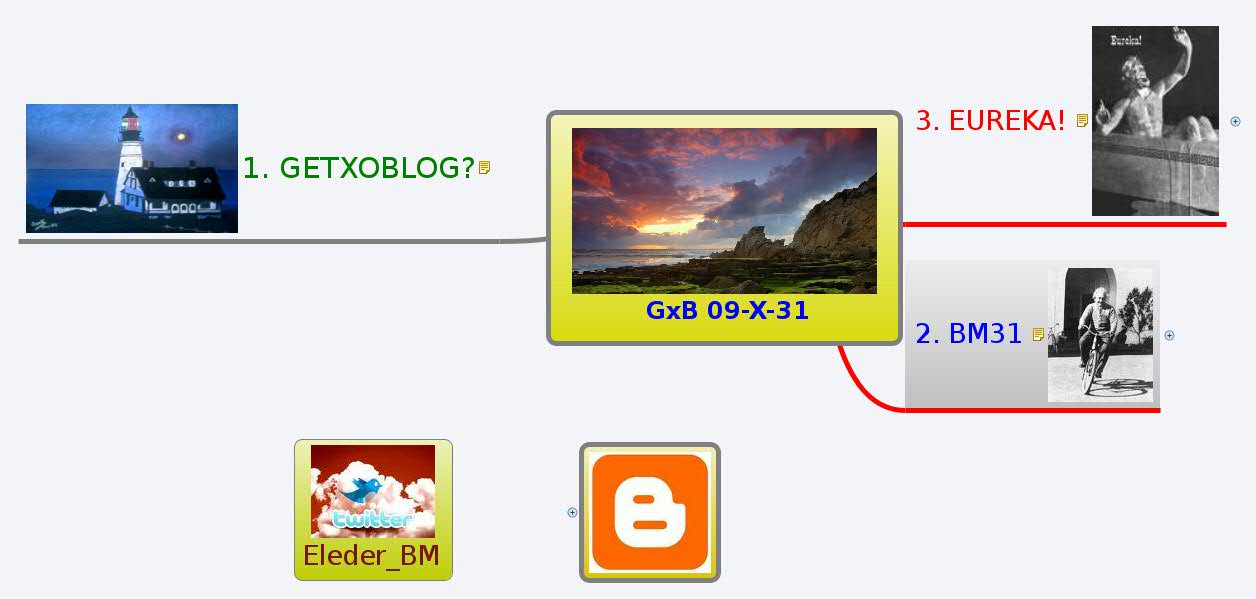
     GxB 09-X-31
    GxB 09-X-31
    2009-10-31 12:37:48|192 views
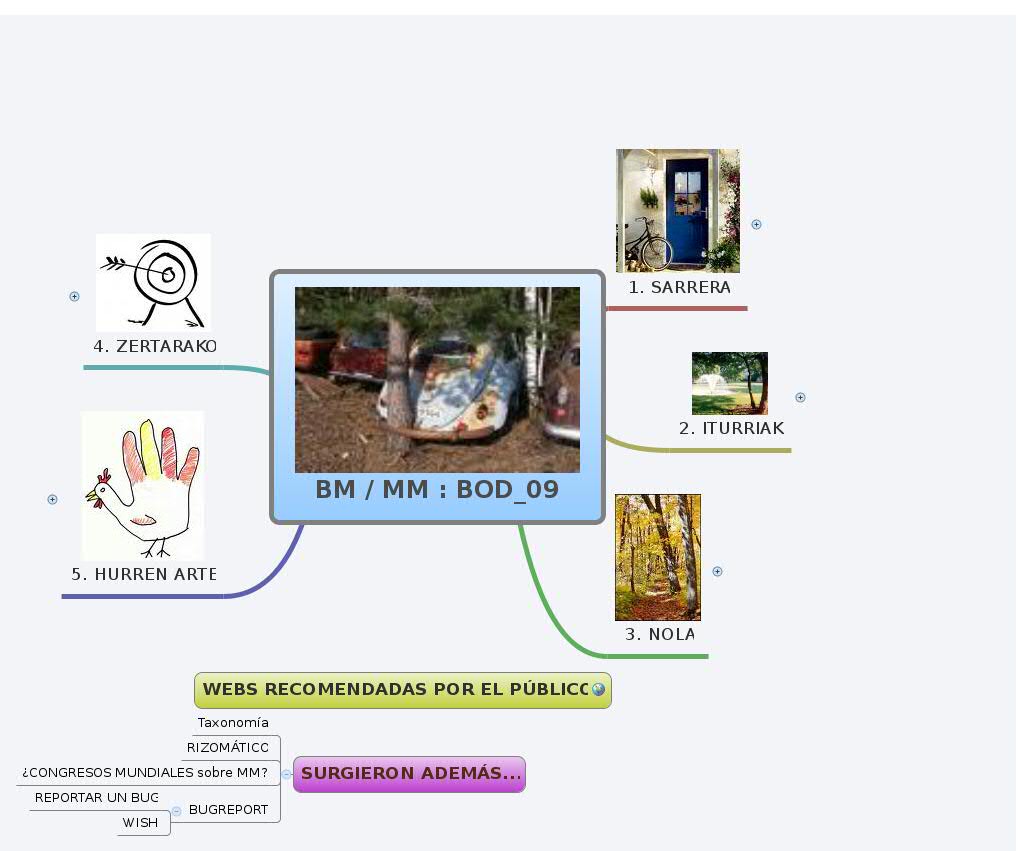
    BM / MM : BOD_09
    BM / MM : BOD_09
    2009-10-30 16:41:33|128 views
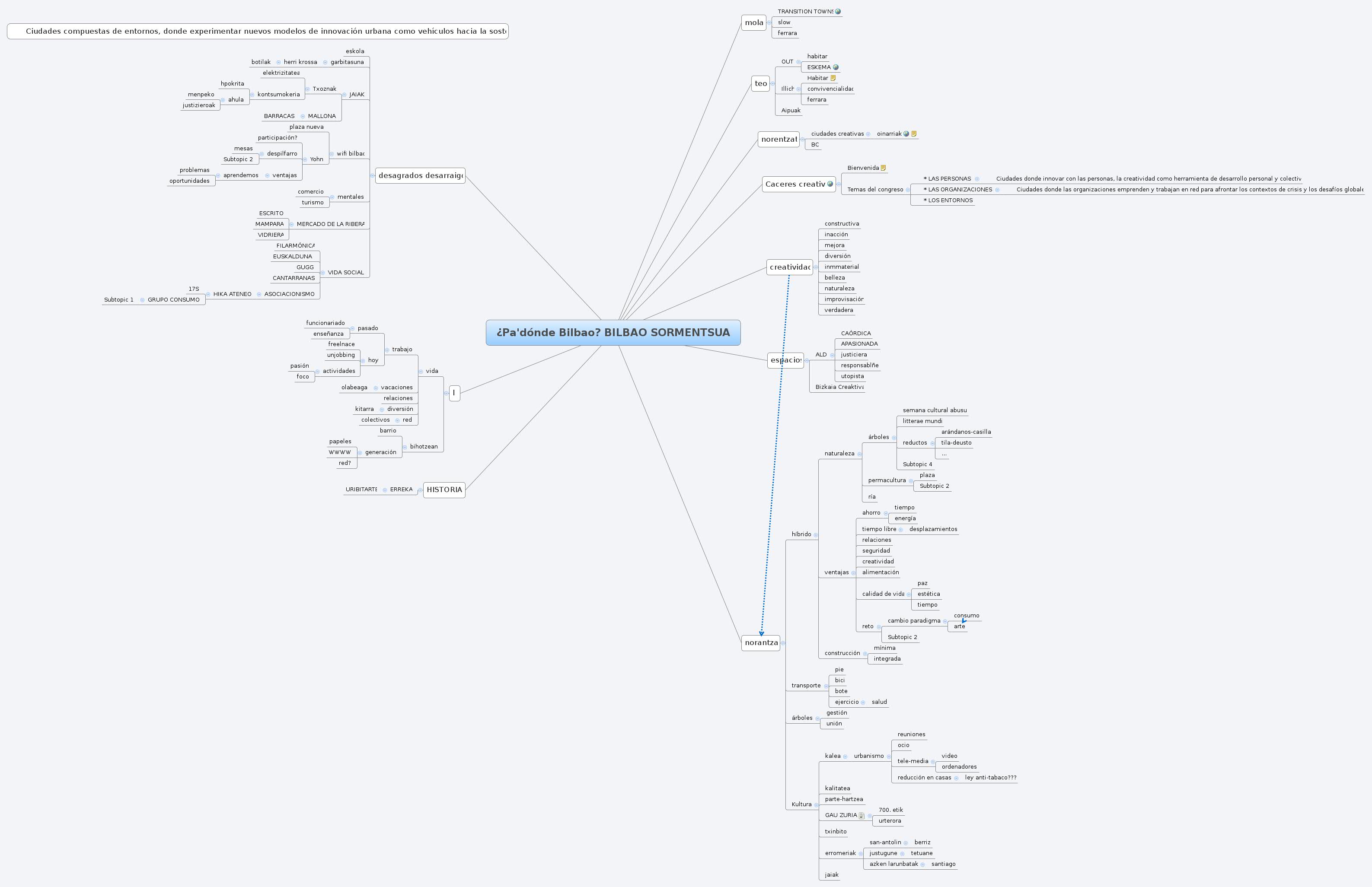
    ¿Pa'dónde Bilbao? BILBAO SORMENTSUA
    ¿Pa'dónde Bilbao? BILBAO SORMENTSUA
    2009-09-19 14:48:48|293 views
    MAPAS MENTALES: eleder.aurtenetxe@gmail.com
    MAPAS MENTALES: eleder.aurtenetxe@gmail.com
    2009-09-16 09:02:48|2555 views
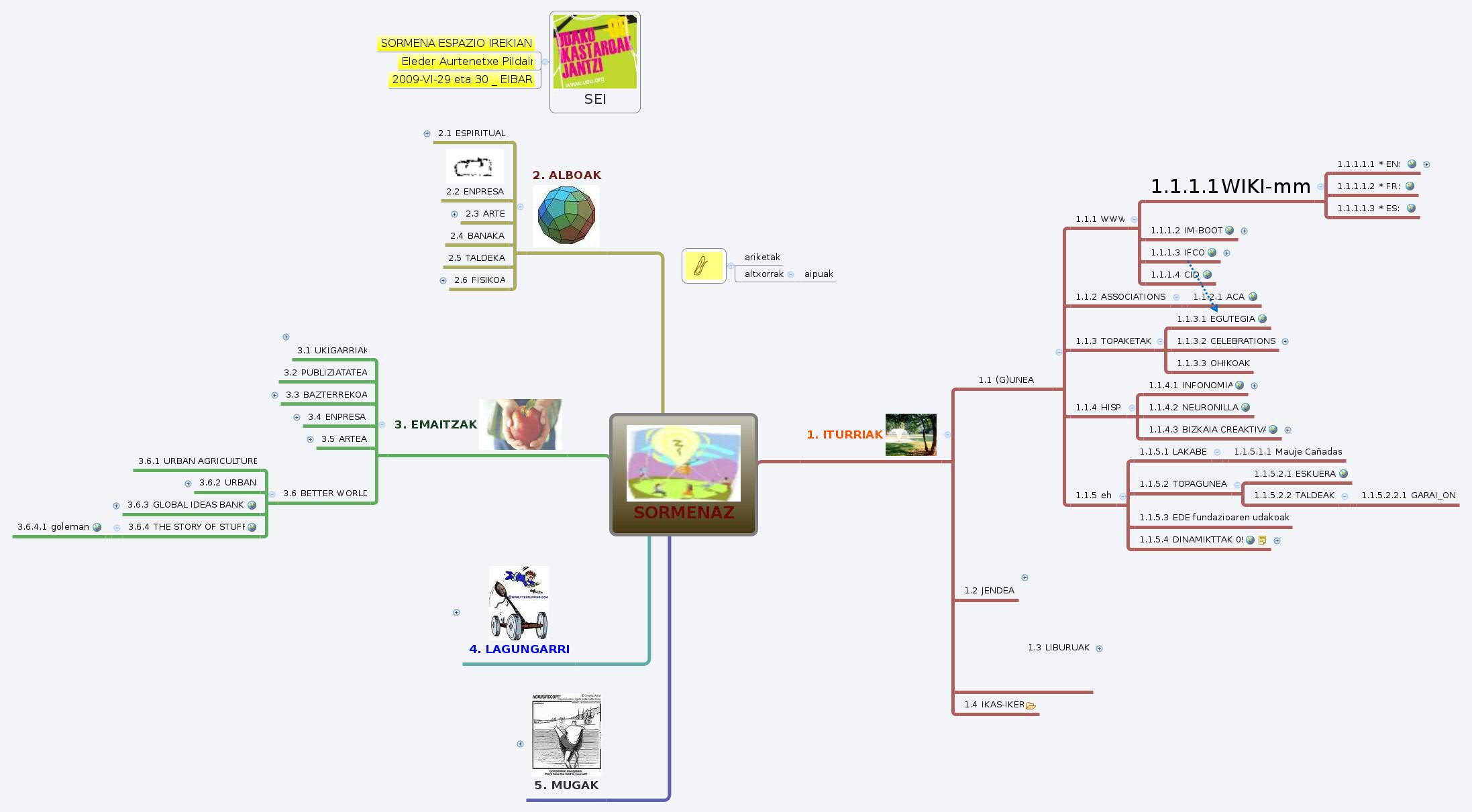
    SORMENAZ
    SORMENAZ
    2009-06-29 20:26:26|508 views
    ariketak
    ariketak
    2009-05-20 09:11:13|184 views
    MINFOUTES TdS 09-III-18
    MINFOUTES TdS 09-III-18
    2009-04-14 07:57:01|165 views
    AMARAUNekoa (Edurne Ayusok 09-II-26, E.I.)
    AMARAUNekoa (Edurne Ayusok 09-II-26, E.I.)
    2009-04-08 02:46:16|297 views