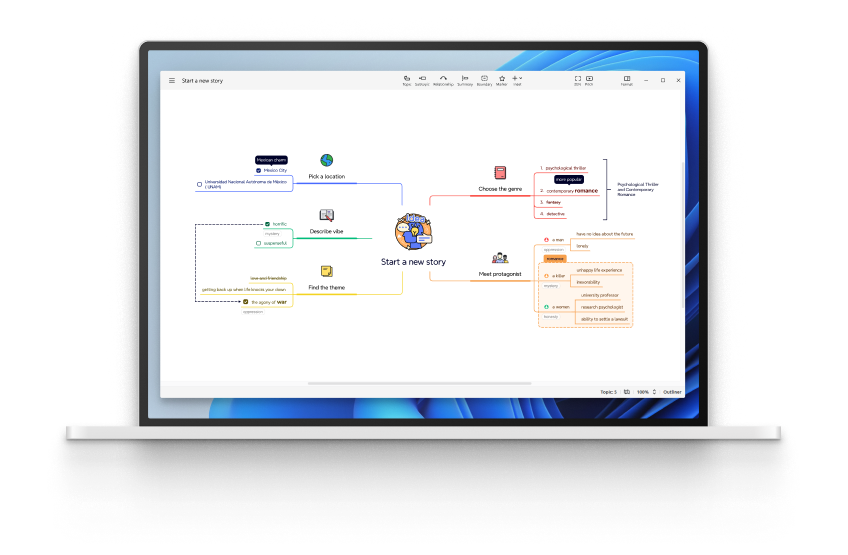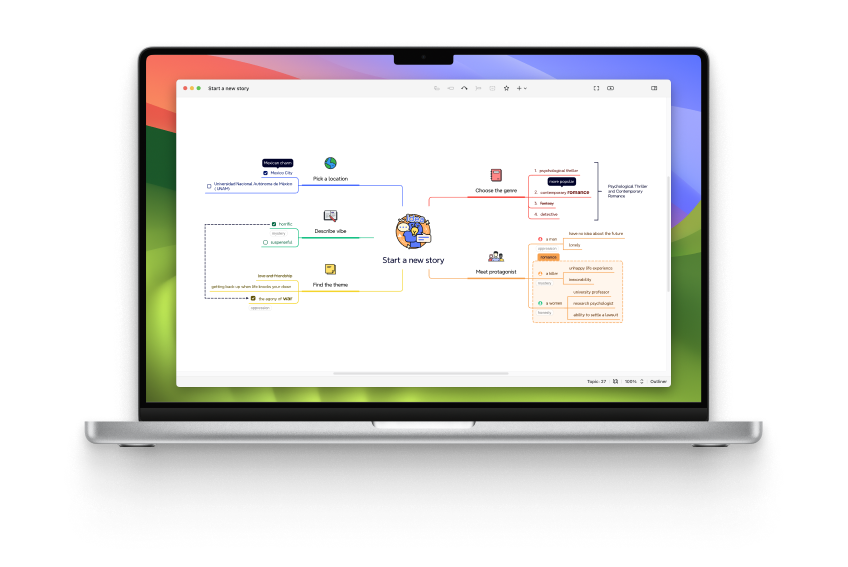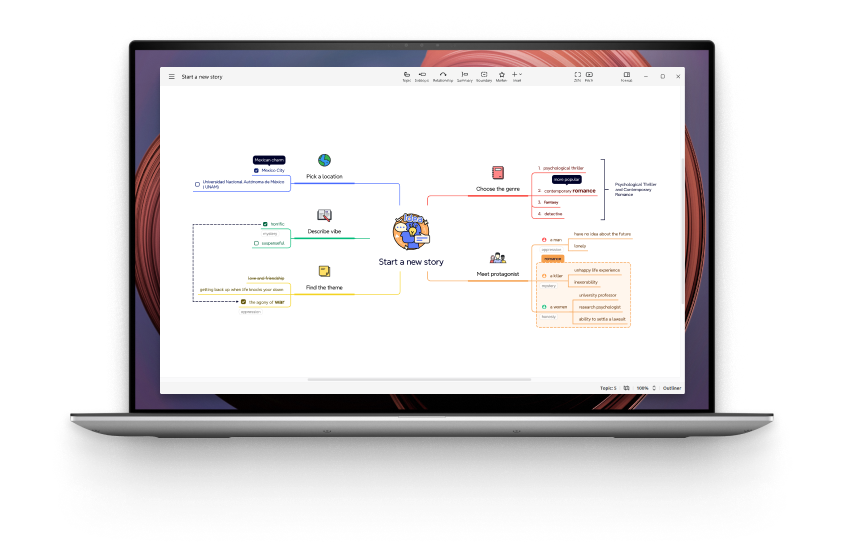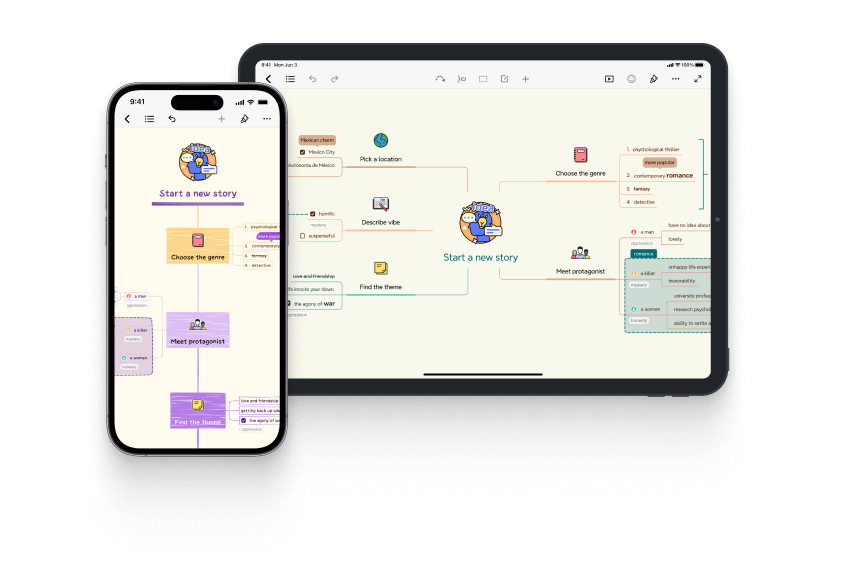
Download XMind Pro Now
XMind Pro 3 Downloads (Current Version: 3.0.3)
Please select the appropriate XMind package for your operating system. Every package now contains
English,
German,
Japanese,
Chinese(Simplified),
Chinese(Traditional)
language packs. XMind will choose language to fit your OS's settings. Changing your OS's language settings will change XMind's.
Upgrade XMind to XMind Pro
XMind Pro 3 Upgrade Package - ZIP *
* Download this package by clicking the download link if you already have XMind (open source edition) installed. Then launch XMind, choose "Help > Upgrade to XMind Pro > Local File", select the package(.zip file) you downloaded, and the intallation will begin automatically. If you meet problem while upgrading, please download the FULL Pro version and install it. If you're using XMind in Eclipse, choose "Help > Software Updates..." and use the Eclipse way to install XMind Pro. Eclipse 3.4 Update Site: http://www.xmind.net/xmind/updates/xmindpro3/
Install XMind Pro standalone
Please select the appropriate XMind download for your operating system:
XMind Pro 3 Windows Installer - EXE
*If you are using IE 8, please use its "Compatibity View" to visit xmind.net. Please click and read more details.
XMind Pro 3 Mac OS X - DMG
*If you are using Mac OS X 10.4, you should change one setting in XMind to run it well. Please click and read all steps.
XMind Pro 3 Portable - ZIP * (Windows + Mac + Linux)
* XMind Pro Portable version can be taken in your USB drive, and used on Windows, Mac OS, and Linux 32-bit/64 bit. You can take it with you wherever you go. It's an all-in-one package.
For your convenience, XMind also allows you download XMind 2008 Professional version 2.3.
See XMIND PRO SOFTWARE LICENSE AGREEMENT
Enterprise Support
For Enterprise, XMind Pro offers un unlimited subscription service. For example, if a company buys one year unlimited subscription on Nov 10th, 2008, all employees in this company can use XMind Pro and the private map sharing service on XMind Share before Nov 10th, 2009.
If you have any questions about enterprise subscriptions, feel free to Contact us.
Requirements:
Hardware:
- A 800Mhz or greater processor
- 256M RAM or greater, recommend 512M or greater.
- 100MB free disk space for downloaded file and installaltion.
- Internet connection for certain features (like Share) and XMind Pro.
Windows Users:
- Windows XP/2003/Vista 32-bit.
- Microsoft Word/Powerpoint for certain features (like Export).
Mac Users
- Mac OS X 10.4 and later.
- Mac OS X 10.4 needs "Java for Mac OSX 10.4 Release 5" installed, and follow the steps in Important Notice for Mac OS X 10.4 users to modify XMind.ini file.
Linux Users:
- GTK
- Some features need lame(http://lame.sourceforge.net/).
- Only Sun JRE/OpenJDK/IBM JRE/BEA JRockit are supported. Don't use unsupported JVM.
Installation Instructions
- Download XMind from this page by clicking on the appropriate link and saving the file to your computer.
- If you are downloading the zip portable package, unzip it to a clear folder. Open this folder, and launch XMind directly without installation.
- For the Windows installer, double-click it and follow the onscreen instructions.
- For the Mac disk image, double-click it to open a Finder window including "XMind.app" (Some download tool would open it automatically.) Drag the "XMind.app" into your Applications folder to copy it to your hard driver. You can drag XMind again from the Applications folder to your dock, if you want.