Download XMind

XMind Downloads (Latest Version: 3.1.1)

Fill in the XMind Questionnaire, and Tell XMind team your feeling and requirements

Please select the XMind download link for your specific operating system. Every package now contains English English, German German, Japanese Japanese, Chinese(Simplified) Chinese(Simplified), Chinese(Traditional) Chinese(Traditional) language packs. XMind will choose language to fit your OS's settings. Changing your OS's language settings will change XMind's.

Every package is both available for XMind and XMind Pro. If your account has been activated for XMind Pro, please use it to sign in inside the software. Then you can enjoy all XMind Pro features.

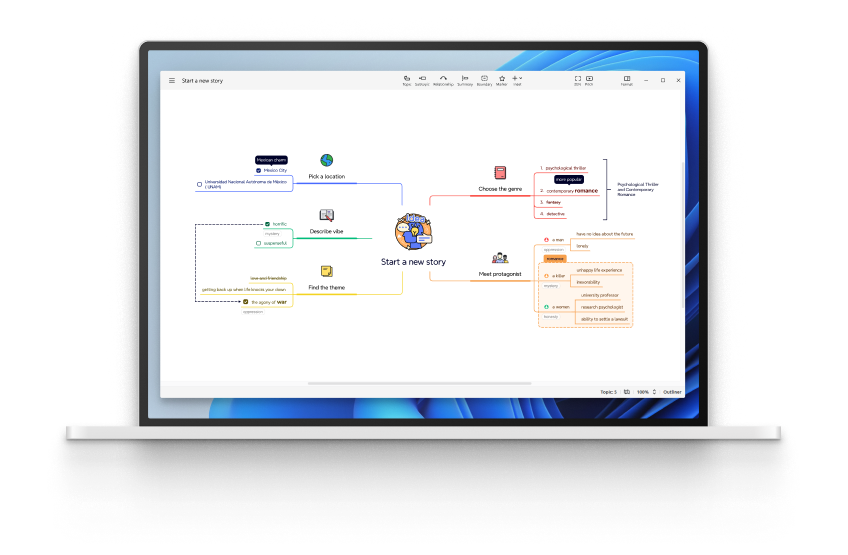
Windows Installer - EXE

MD5:
5b0092e9067e9290426ca7de07dbcc37

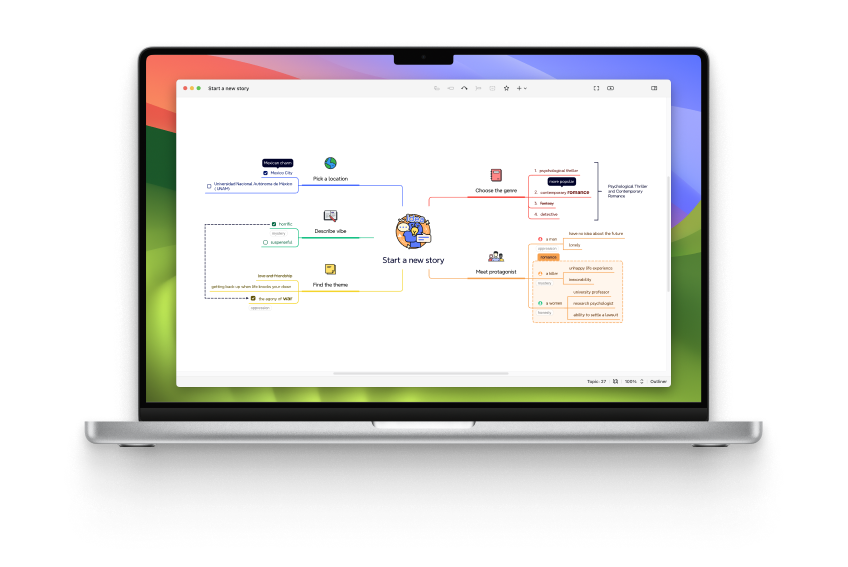
Mac OS X - DMG

MD5:
11d419d98de53b078f144b99981d2038

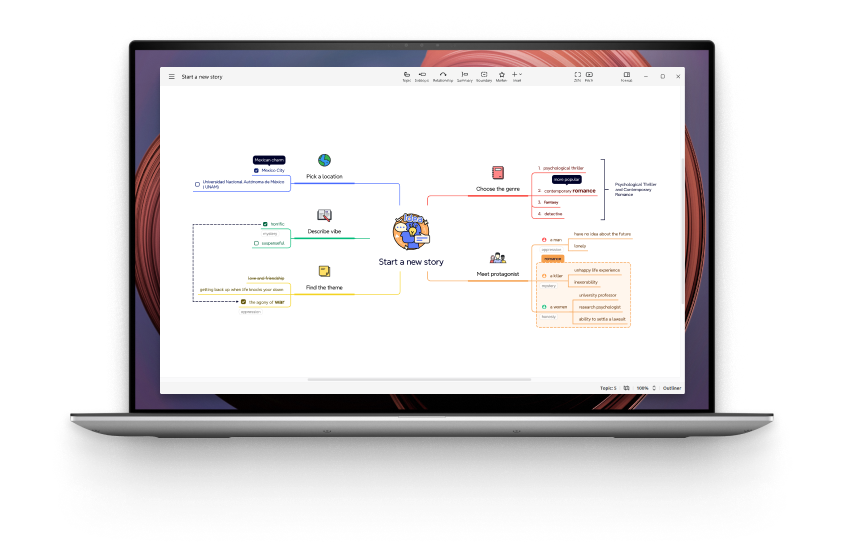
Debian/Ubuntu - DEB

MD5:
5f63a604f140a2c223d3879634843800

Debian/Ubuntu x64 - DEB

MD5:
d6e6b95b4a4b3c31aaa054d8668f1da5

Portable - ZIP * (Windows + Mac + Linux)

MD5:
8756316f7a37b33d16f401eb1cfc8f5a

* XMind Portable version can be taken in your USB drive, and used on Windows, Mac OS, and Linux 32-bit/64 bit. You can take it with you wherever you go.

Enterprise Support

For Enterprise, XMind Pro offers un unlimited subscription service. For example, if a company buys one year unlimited subscription on Nov 10th, 2008, all employees in this company can use XMind Pro and the private map sharing service on XMind Share before Nov 10th, 2009.

If you have any questions about Enterprise License, feel free to contact sales@xmind.net.

Download Source Code

XMind Source Code is available at XMind @ Google Code (our main developer site) or XMind @ Sourceforge.

Old Version

For your convenience, XMind also allows you download XMind 2008 Professional version 2.3.

License

Requirements:

Windows Users:

  • Windows XP/Vista/7.
  • Microsoft Word/Powerpoint for certain features (Export to Word/Powerpoint).
  • Internet connection for certain features (like Share) and XMind Pro.

Mac Users

  • Mac OS X 10.4 and later.
  • Mac OS X 10.4 needs "Java for Mac OSX 10.4 Release 5" installed.
  • Internet connection for certain features (like Share) and XMind Pro.

Linux Users:

  • GTK
  • Some features need lame(http://lame.sourceforge.net/).
  • Only Sun JRE/OpenJDK/IBM JRE/BEA JRockit are supported. Don't use unsupported JVM.
  • Internet connection for certain features (like Share) and XMind Pro.

Installation Instructions

  • Download XMind from this page by clicking on the appropriate link for your operating system.
  • If you are downloading the zip portable package, unzip it to a new folder. Open that folder, and launch XMind directly without installation.
  • For Windows installer, double-click it and follow the onscreen instructions.
  • For the Mac disk image, double-click the link to open a Finder window including "XMind.app" (Some download tools would open it automatically.) Drag the "XMind.app" into your Applications folder to copy it to your hard drive. You can drag XMind again from the Applications folder to your dock.